Text Editor

iOS 16.4+iPadOS 16.4+

Displays a multi-line text input for long-form content.
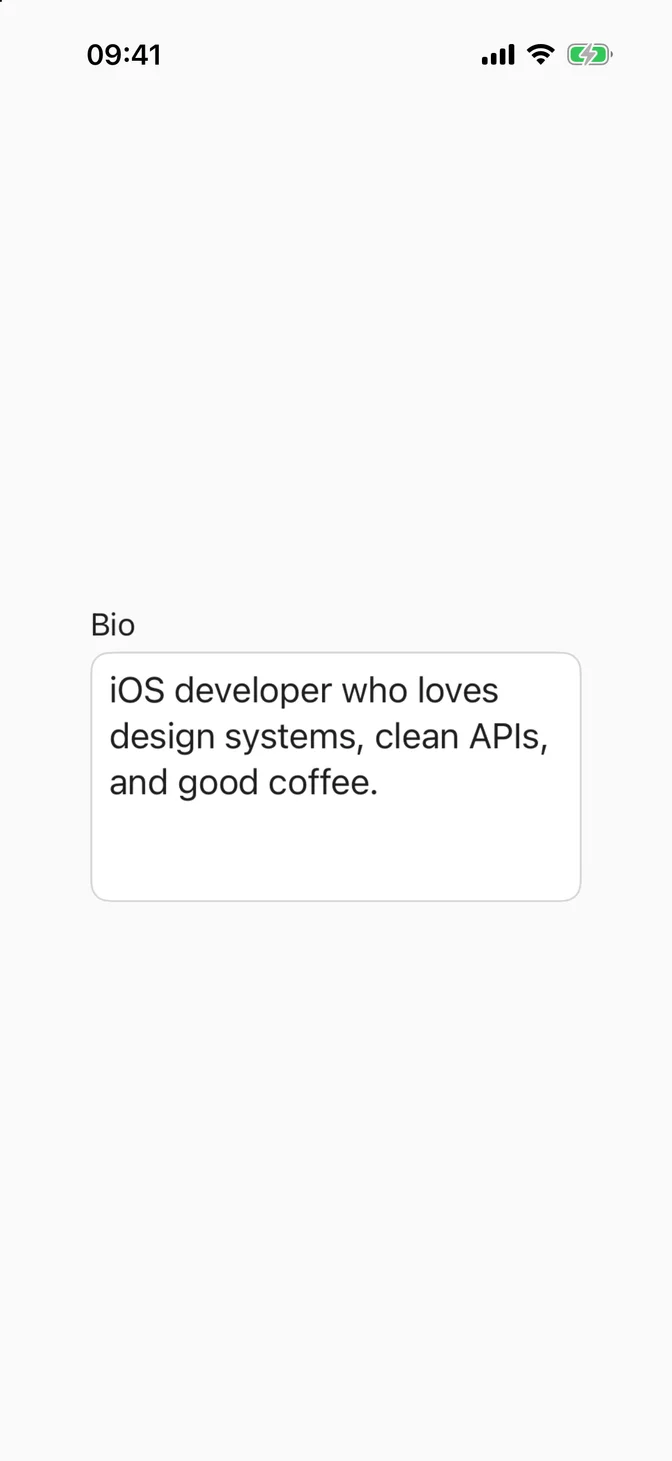
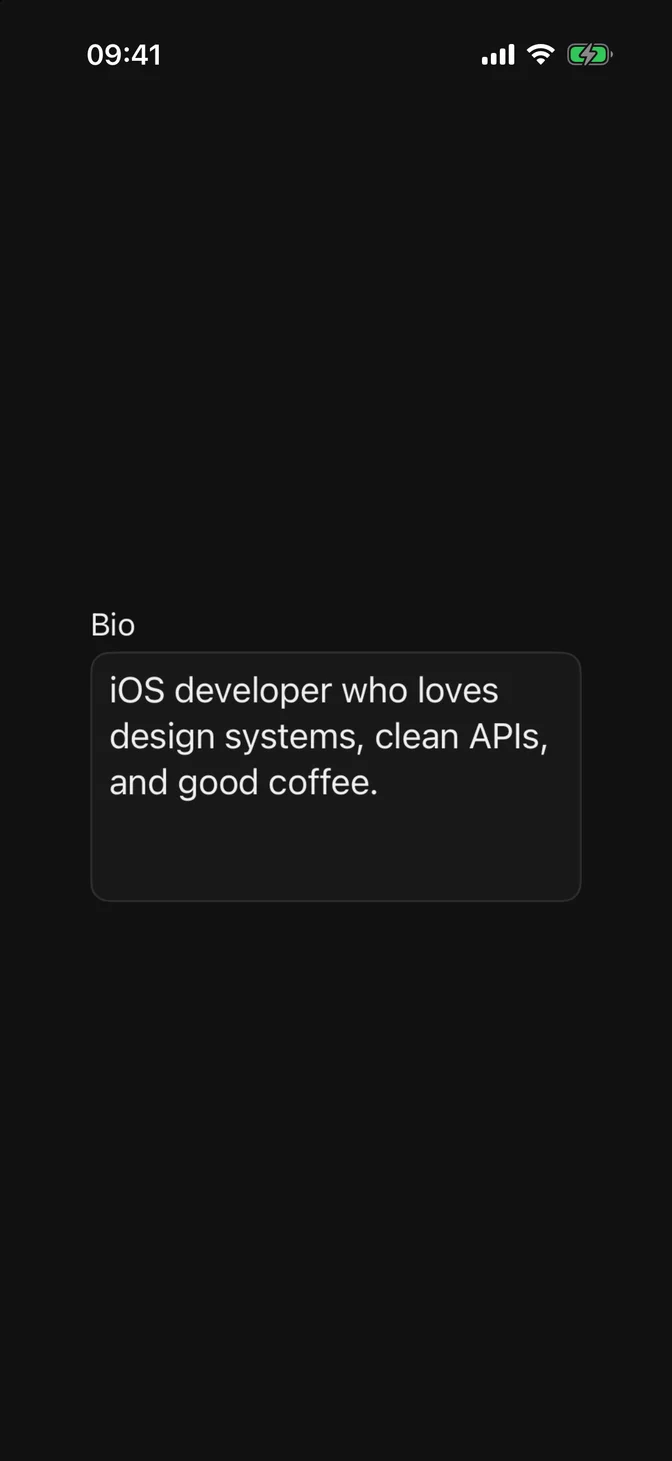
FLXTextEditor example
import SwiftUIstruct TextEditorUsageExample: View {    @State private var bio = "iOS developer who loves design systems, clean APIs, and good coffee."    var body: some View {        FLXFieldLabel("Bio") {            FLXTextEditor("Tell us about yourself", text: $bio)        }        .padding(FLXSpacing.xl)    }}

Installation

Requires the design system foundation (tokens and theme).

pnpm dlx shadcn@latest add https://swiftui.flexnative.com/r/ios-text-editor.json

Usage

FLXTextEditor("Description", text: $description)

The native TextEditor has no placeholder parameter, so FLXTextEditor renders the placeholder as an overlay.

Sizes

Three sizes, set via size:. Defaults to .medium.
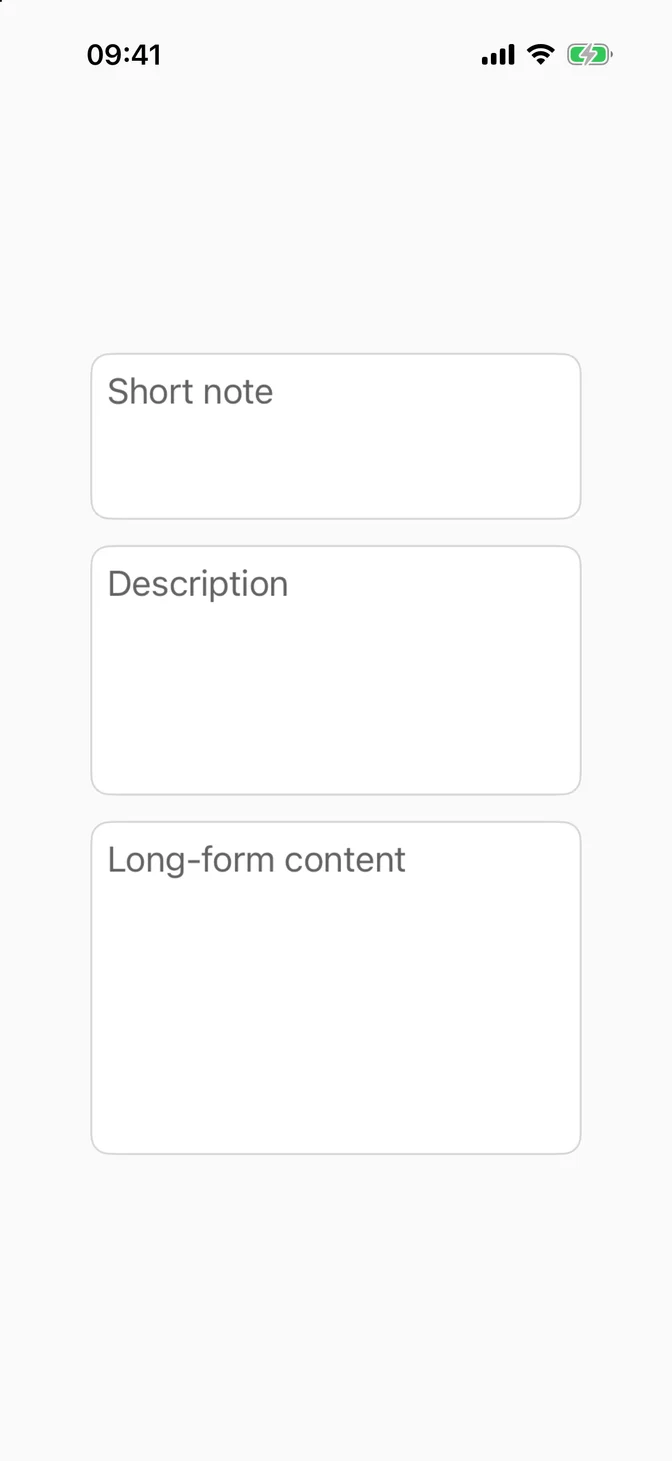
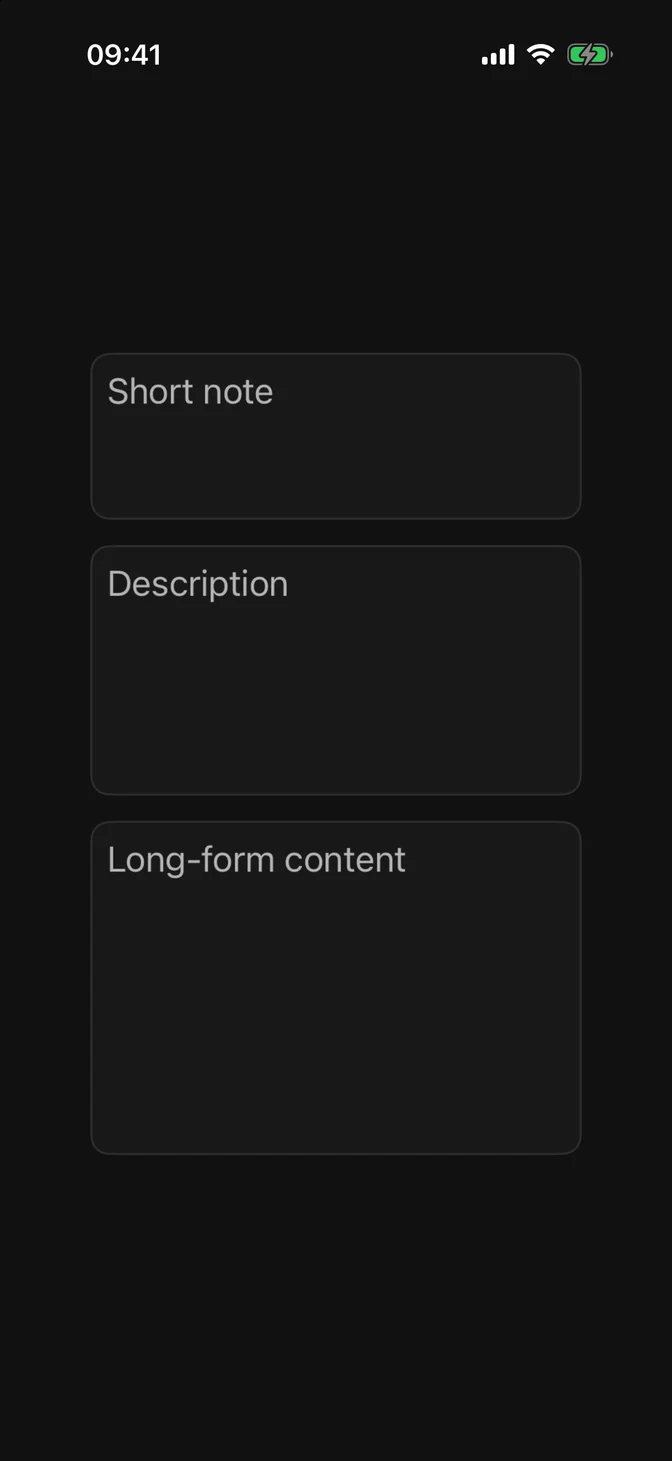
FLXTextEditor sizes
FLXTextEditor("Short note", text: $text, size: .small)FLXTextEditor("Description", text: $text, size: .medium)FLXTextEditor("Long-form content", text: $text, size: .large)

Custom styling

TextEditor has no style protocol, so there's no FLXTextEditorStyle or override.

API Reference

FLXTextEditor

init(    _ placeholderKey: LocalizedStringResource = "",    text: Binding<String>,    size: FLXTextEditorSize = .medium)init<S: StringProtocol>(    _ placeholder: S,    text: Binding<String>,    size: FLXTextEditorSize = .medium)

Sizes

CaseDescription
smallShortest fixed height (80pt).
mediumDefault fixed height (120pt).
largeTallest fixed height (160pt).

For more information about FLXTextEditor props, see the Apple documentation.