Latest updates and announcements.
October 2026 - Native Guides and Tint
New List and Form guides, and a tint color in the theme.
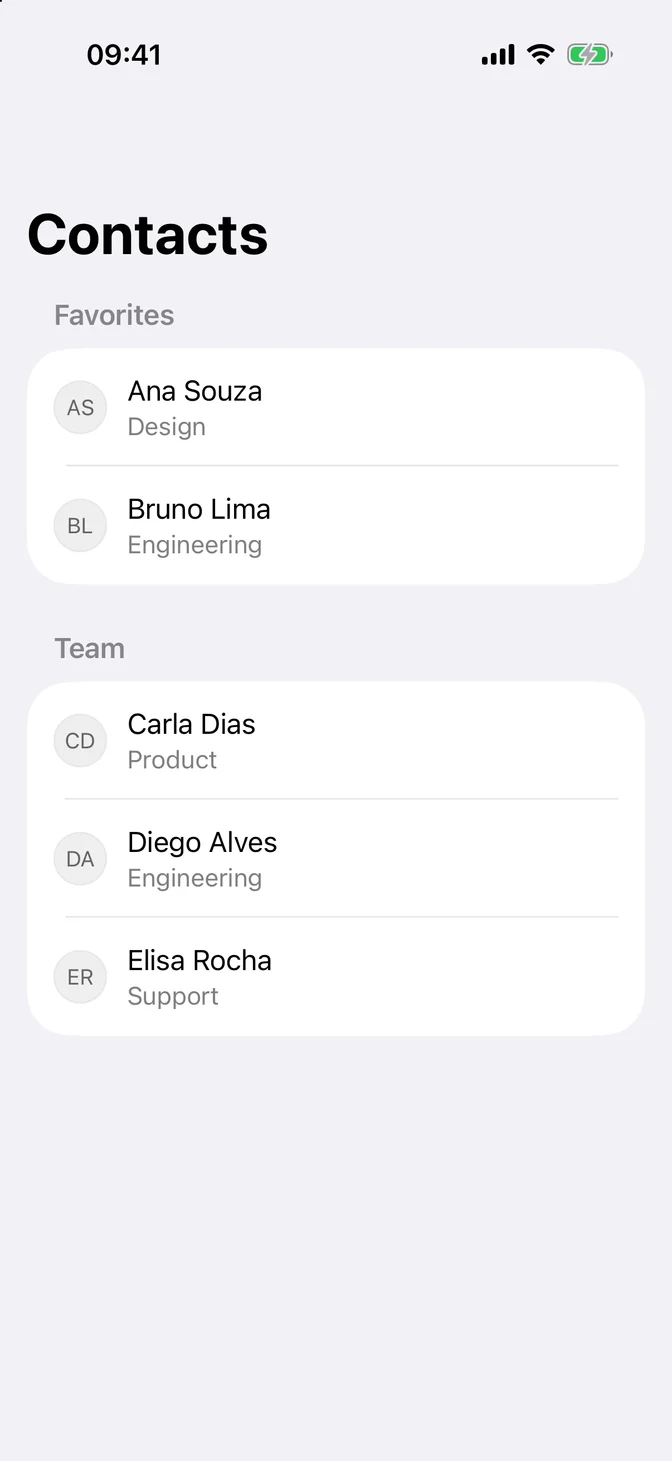
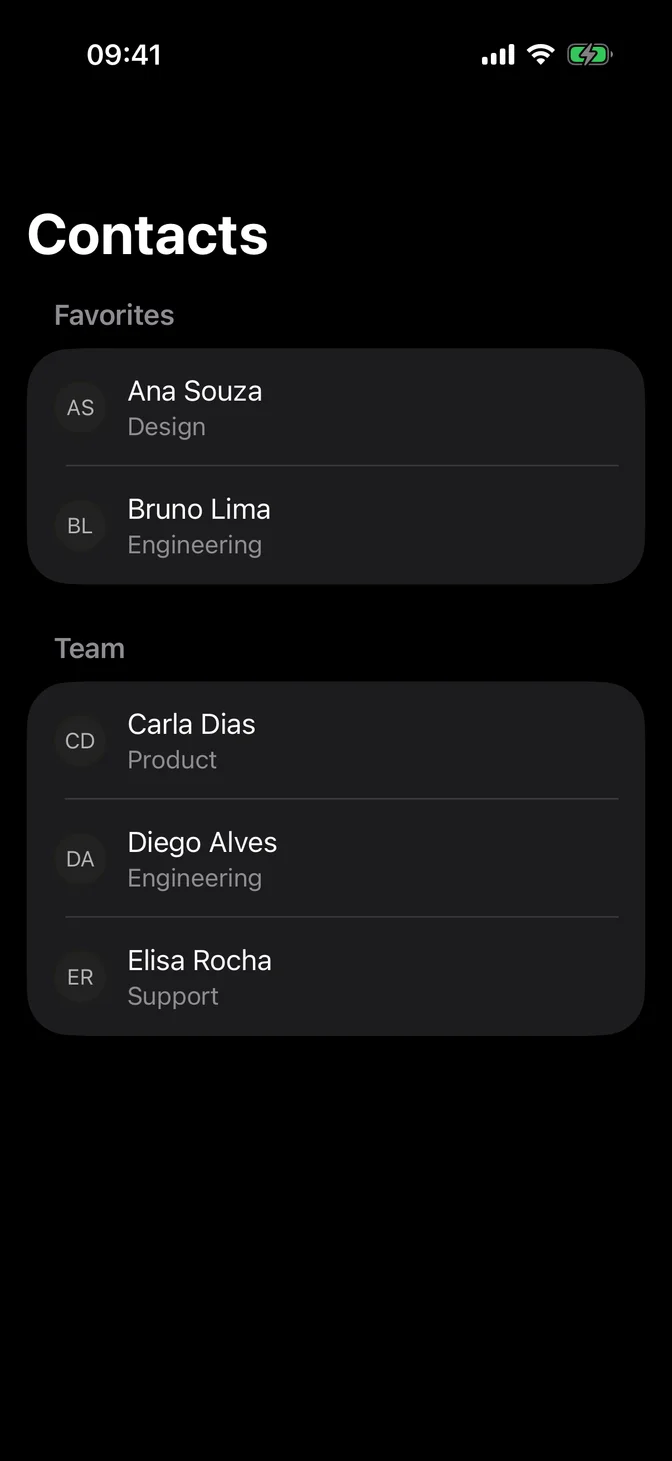
List
Rows, sections, selection, swipe actions, and pull to refresh, with Apple's own List and your theme.
Form
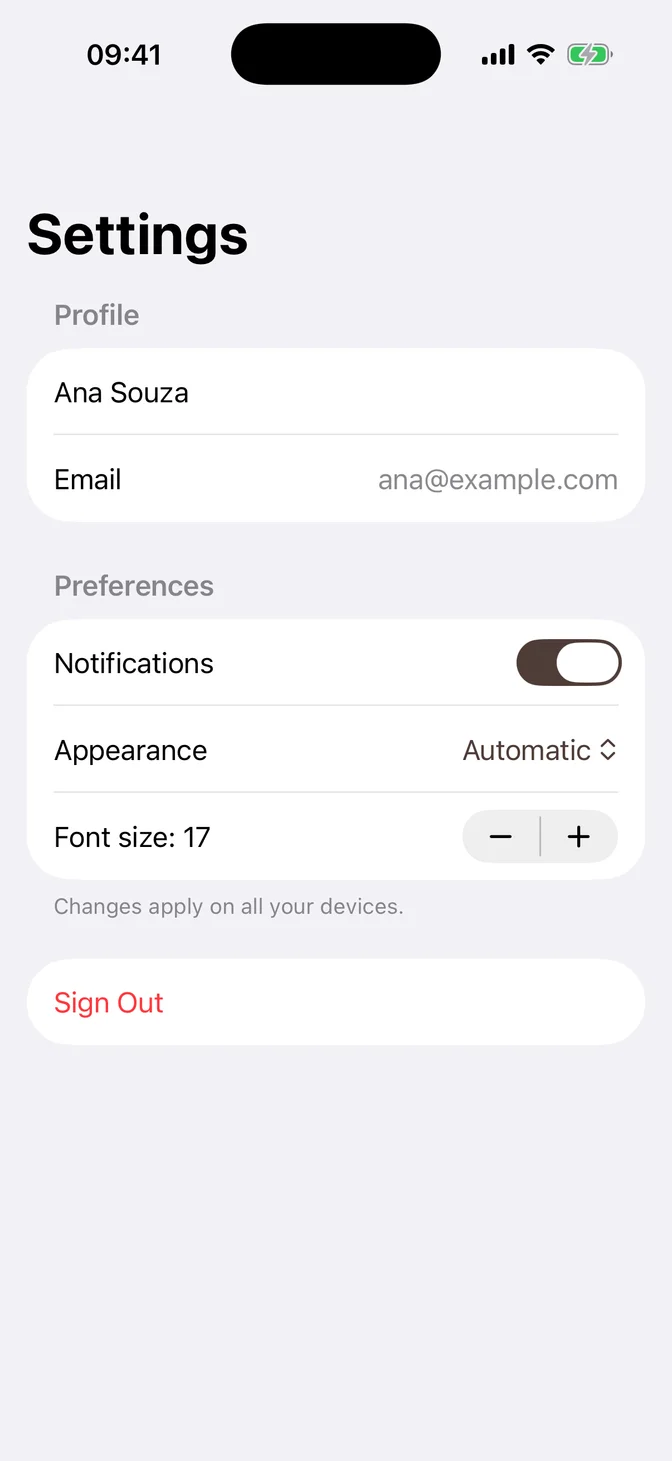
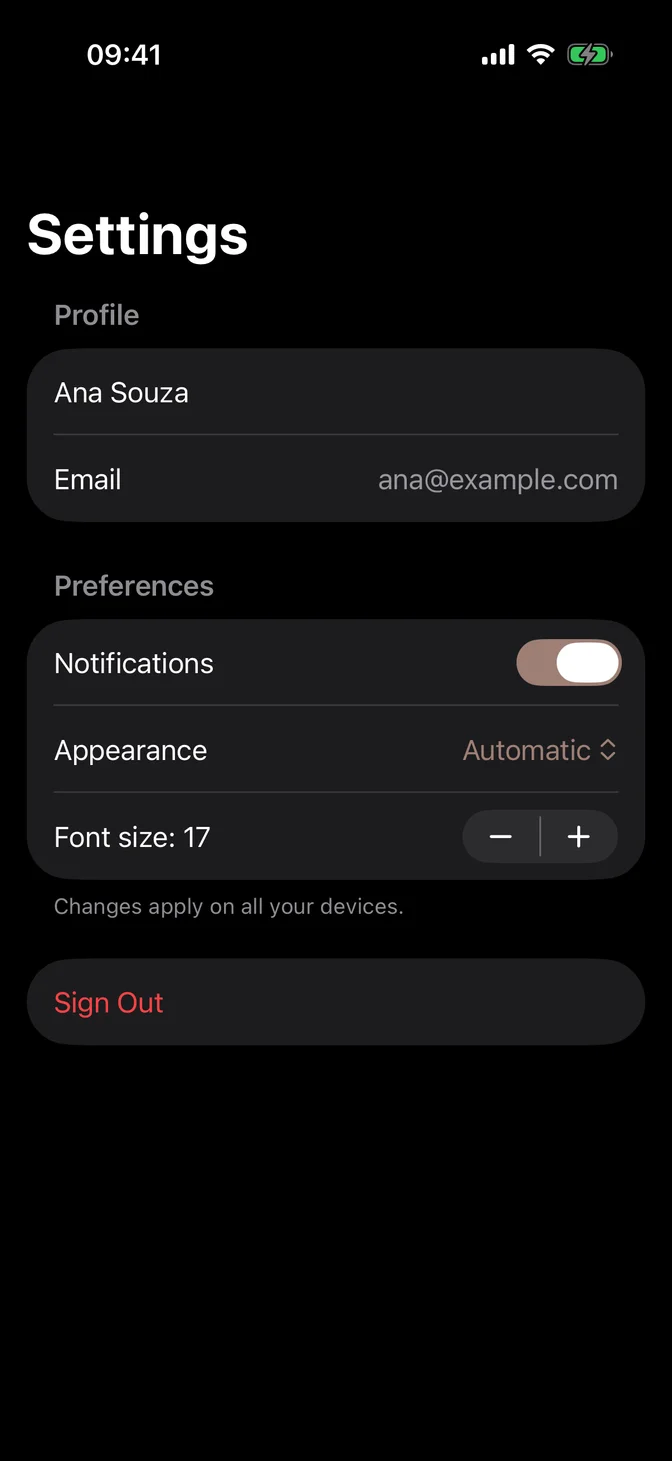
Settings and data-entry screens, with native controls that turn into rows.
Tint
Native controls such as switches, selection marks, and swipe actions draw white content on the tint, so the near-white dark primary hid it. The new tint matches primary in light mode and is a mid-tone in dark mode. .flxTheme(_:) now applies it, and FLXToggle and FLXSlider use it.
Update your code
Update with AI
Paste this into Claude Code, Cursor, Codex or your agent of choice. It applies this update and keeps your own changes.
Update swiftui-flx in this project to the release below. It's a set of SwiftUI components that live in the app's own source.

1. Read https://swiftui.flexnative.com/docs/changelog/2026-10-native-guides-and-tint.md and follow its "Update your code" section.
2. Find the project's DesignSystem folder and compare each file the changelog shows with mine. Keep my own changes: presets I made, the default theme I chose, and components I edited.
3. If I made presets of my own, add the new values to them the way the changelog shows for the default preset, and tell me the values you picked.
4. Don't change anything outside DesignSystem unless the changelog says to.
5. Build the app for every platform it targets and fix any errors.
6. Tell me what you changed.
Or make the changes yourself. If you made your own preset, add tint: to it too.
October 2026 - swiftui-flx
swiftui-flx is here. SwiftUI components for iOS, iPadOS and macOS that live in your own project, the shadcn/ui way. Add them with the shadcn CLI, then read and edit them like any other file in your app.
Built on native controls
Every component starts from the SwiftUI control Apple ships and themes it through its style protocol, so it keeps Dynamic Type, accessibility, and the right look on each platform. For views Apple already gets right, such as List, Form, and Sheet, the docs show how to use them with your theme instead of wrapping them.
Browse the iOS and macOS components.
Theme
The foundation brings the tokens and two presets, Default and Sienna. .flxTheme(_:) applies a preset and its tint, so native controls follow the theme in light and dark mode.
Requirements
iOS 16.4, iPadOS 16.4, or macOS 13.3 and later, in Swift 5 or Swift 6. To get started, follow Installation.