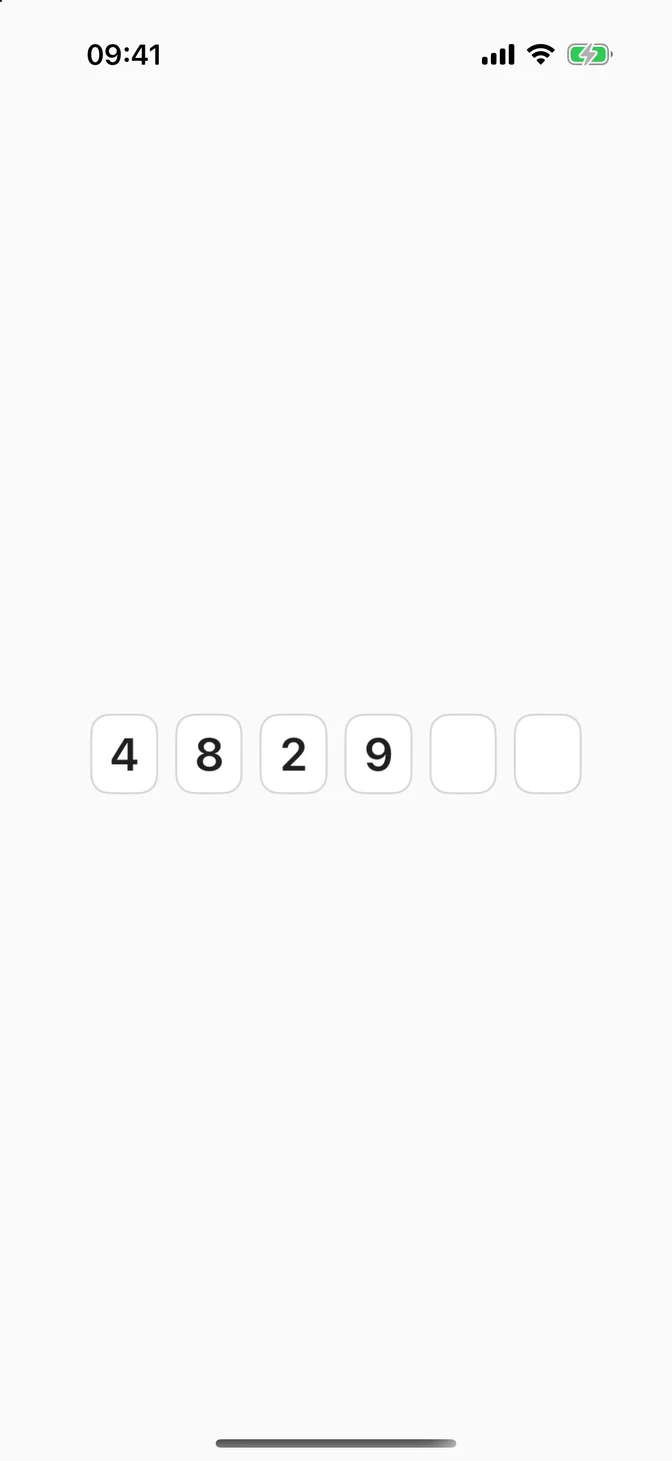
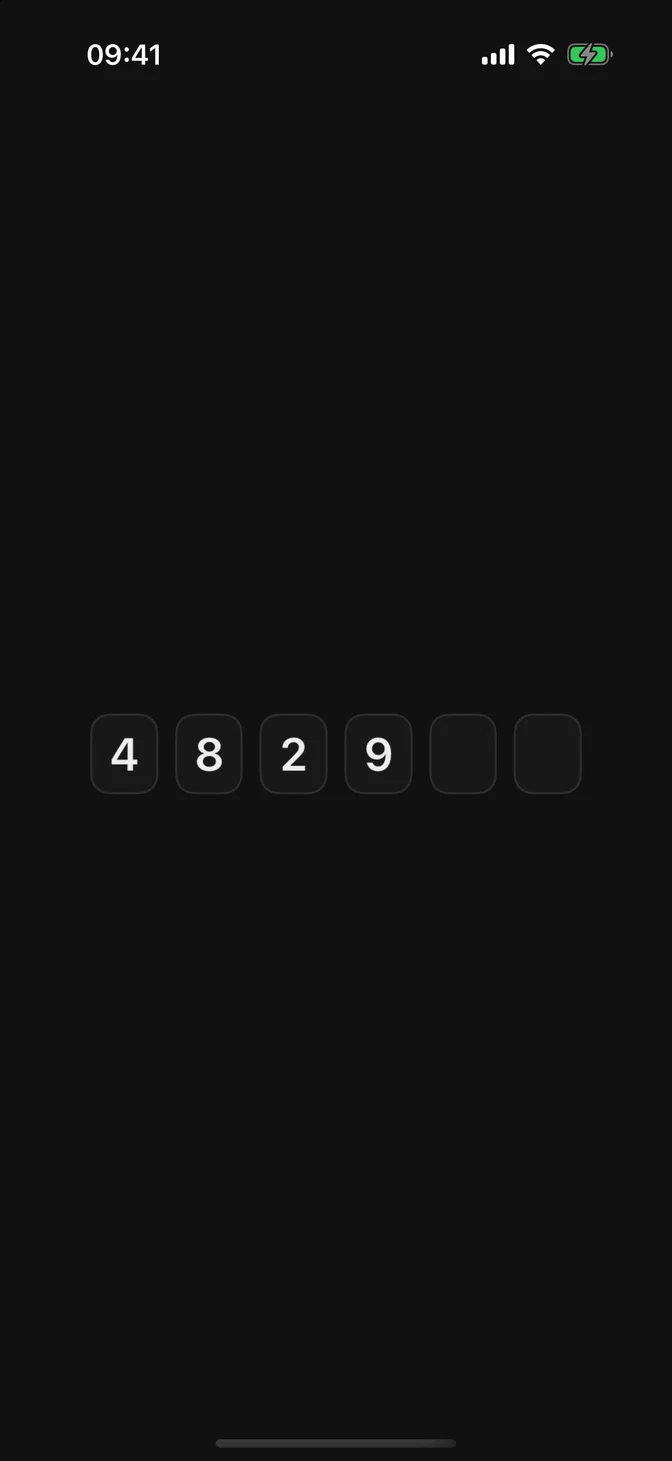
Enters a verification code digit by digit, with AutoFill.
Installation
Requires the design system foundation (tokens and theme).
Usage
Apple has no one-time code control, so FLXOneTimeCodeField draws the boxes over a single hidden text field. The keyboard, paste, and AutoFill all come from that system text field.
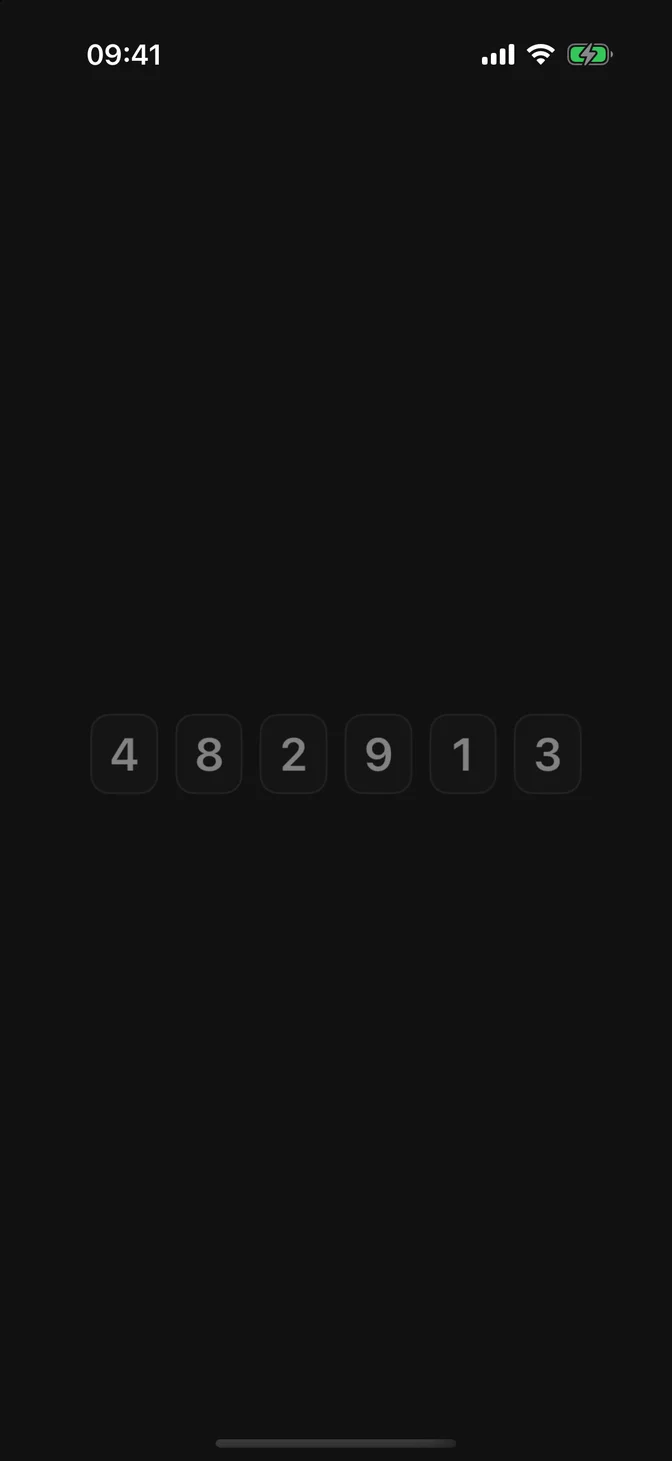
The field accepts digits only. Spaces and dashes in a pasted code are dropped, so 482 913 becomes 482913. Tapping a filled box selects that digit, and the next one you type replaces it. Deleting a digit moves the ones after it back one box.
AutoFill
The field sets .oneTimeCode as its content type, so iOS offers a code above the keyboard as it arrives in Messages, in Mail (iOS 17 and later), or from a password app (iOS 18 and later). No setup is needed.
To restrict a text message code to your website, end the message with a line naming the domain. iOS then offers the code only on that domain or in an app associated with it:
Length
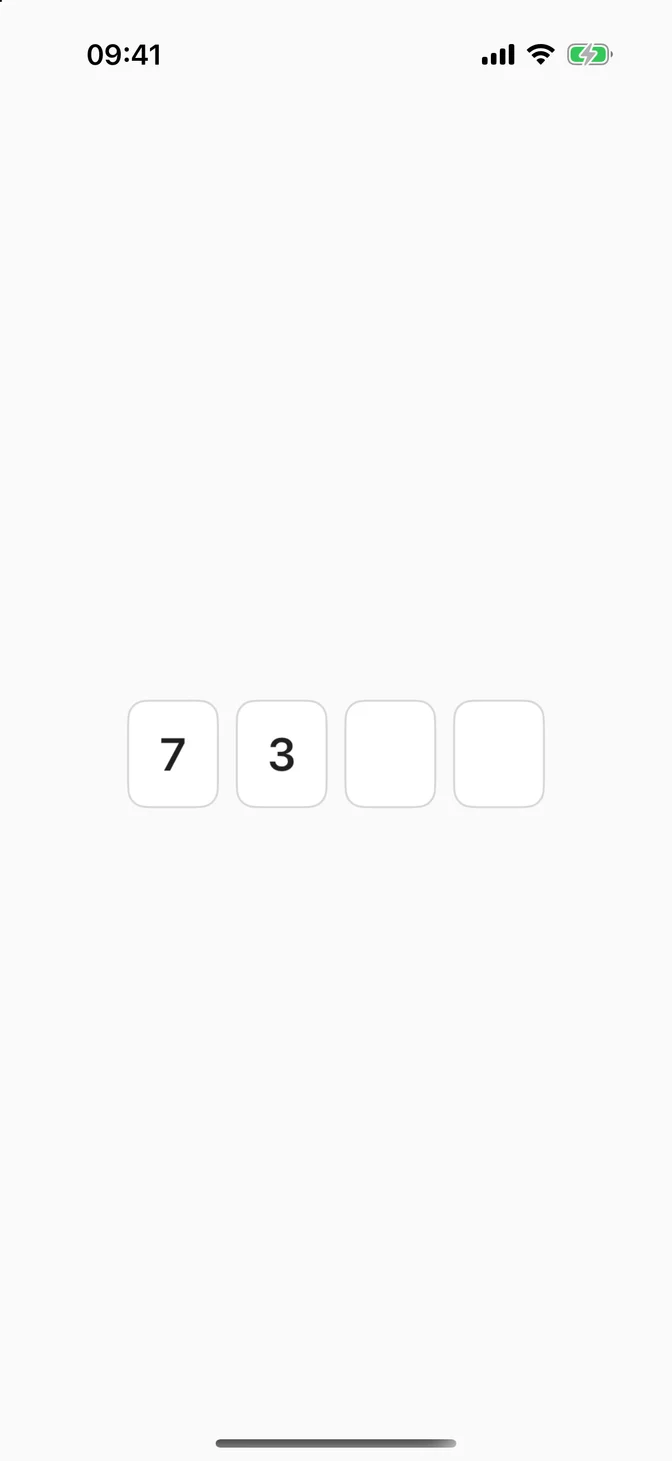
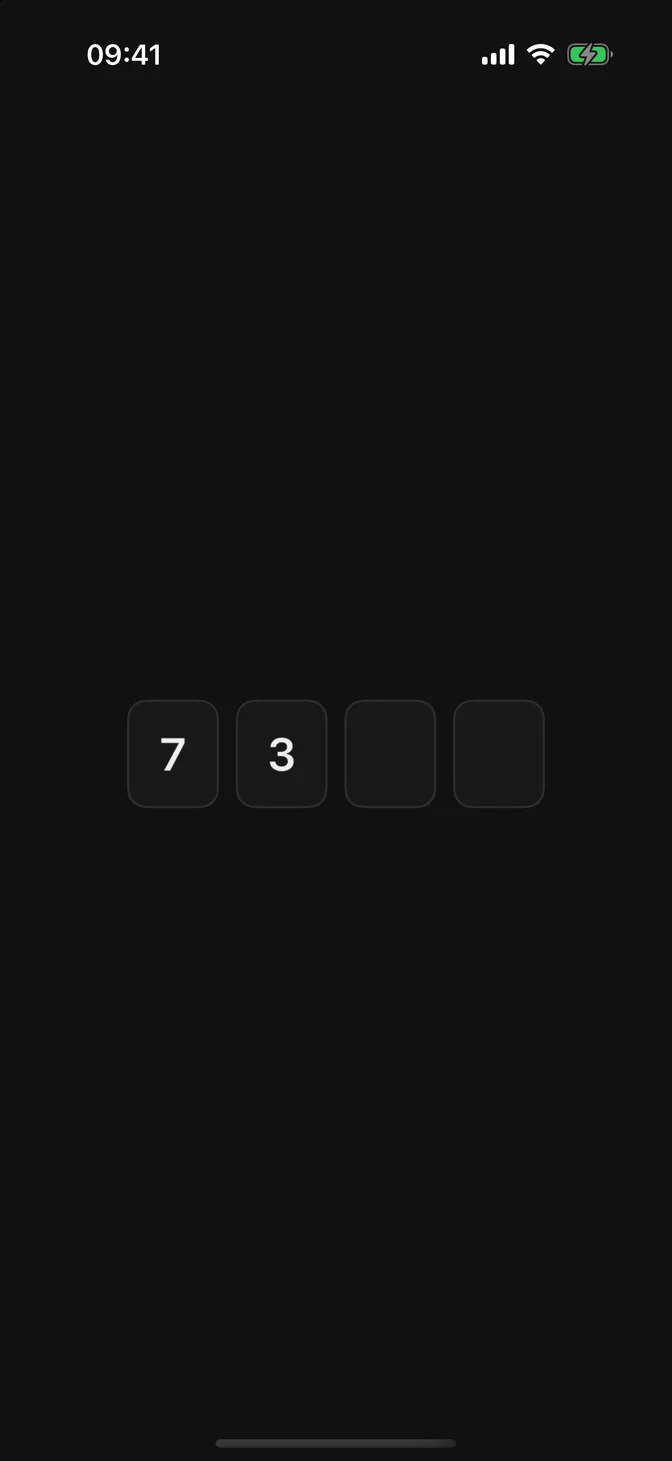
Codes have 6 digits by default. Set length: for other sizes. The field never holds more digits than that.
Groups
groupSize splits the boxes into groups with a dash between them, which makes a long code easier to read and compare.
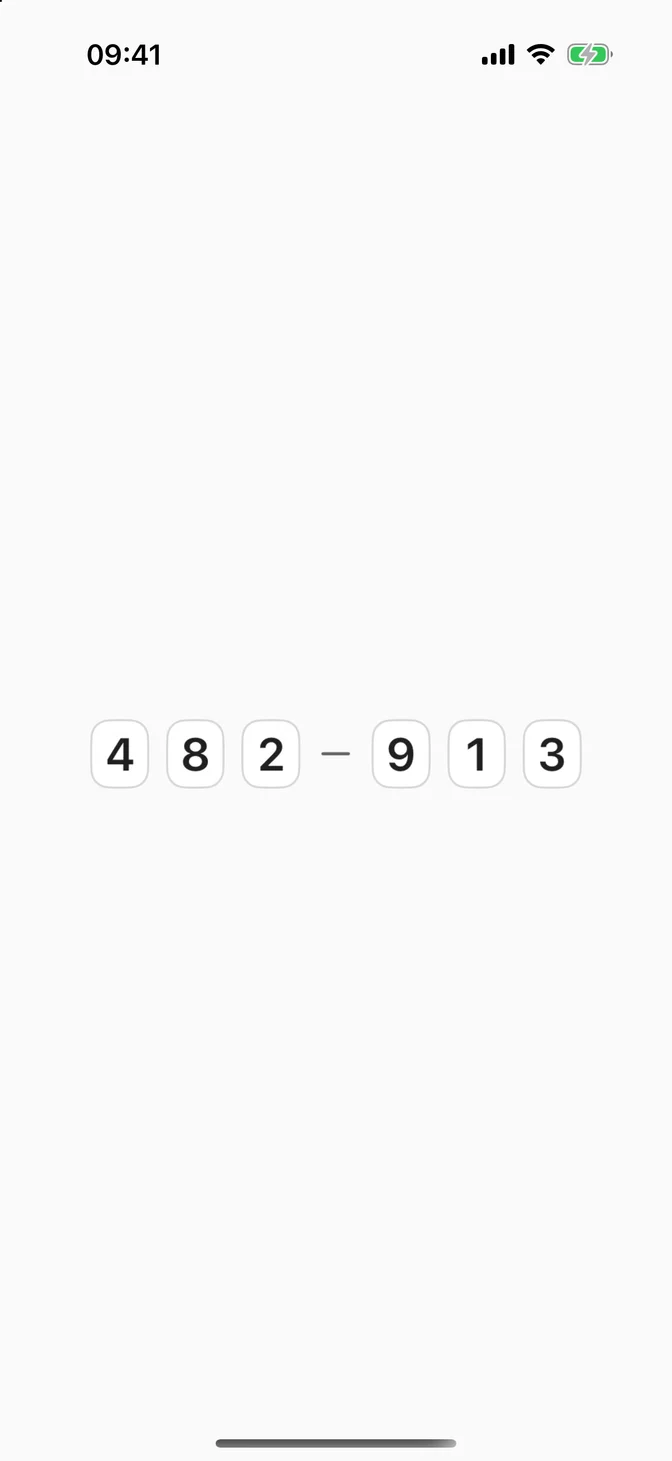

Submitting the code
The number pad has no Return key, so there is no .onSubmit. React to a complete code with .onChange(of:), and keep a button for people who'd rather confirm:
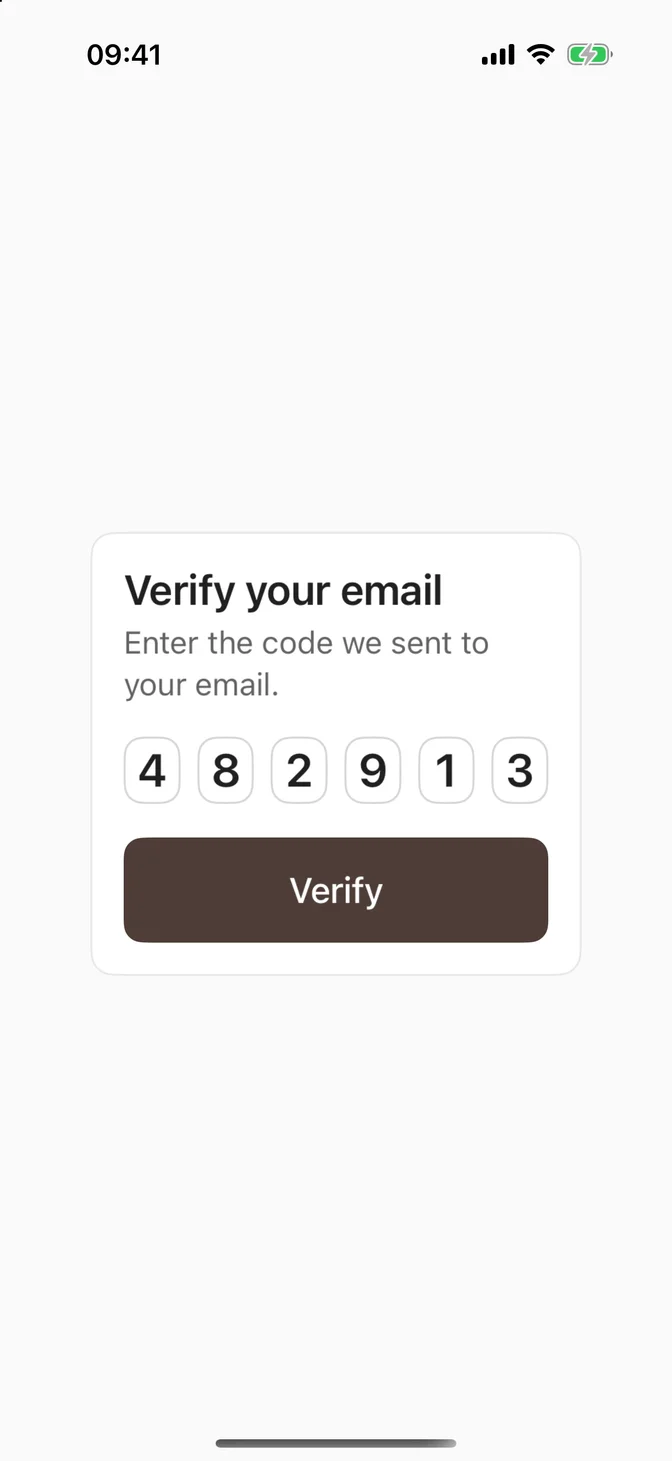
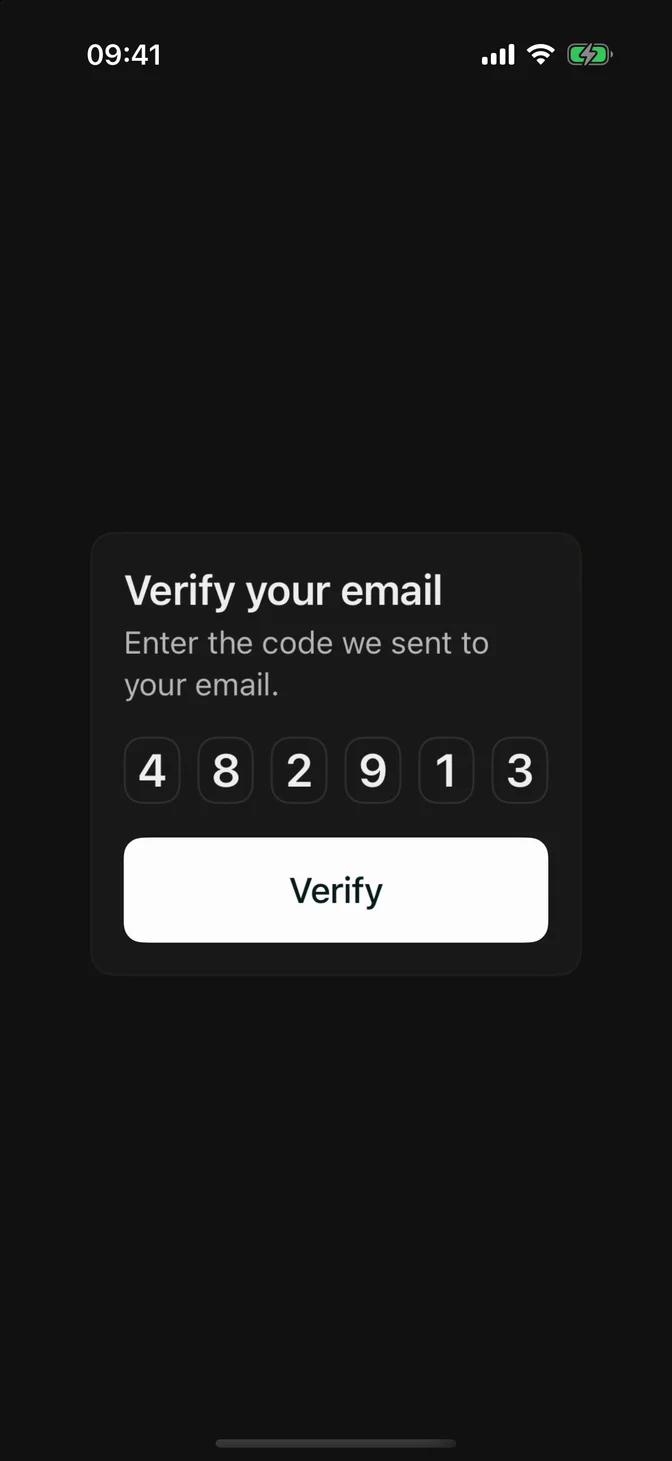
Clear code after a wrong code, so the next attempt starts from the first box.
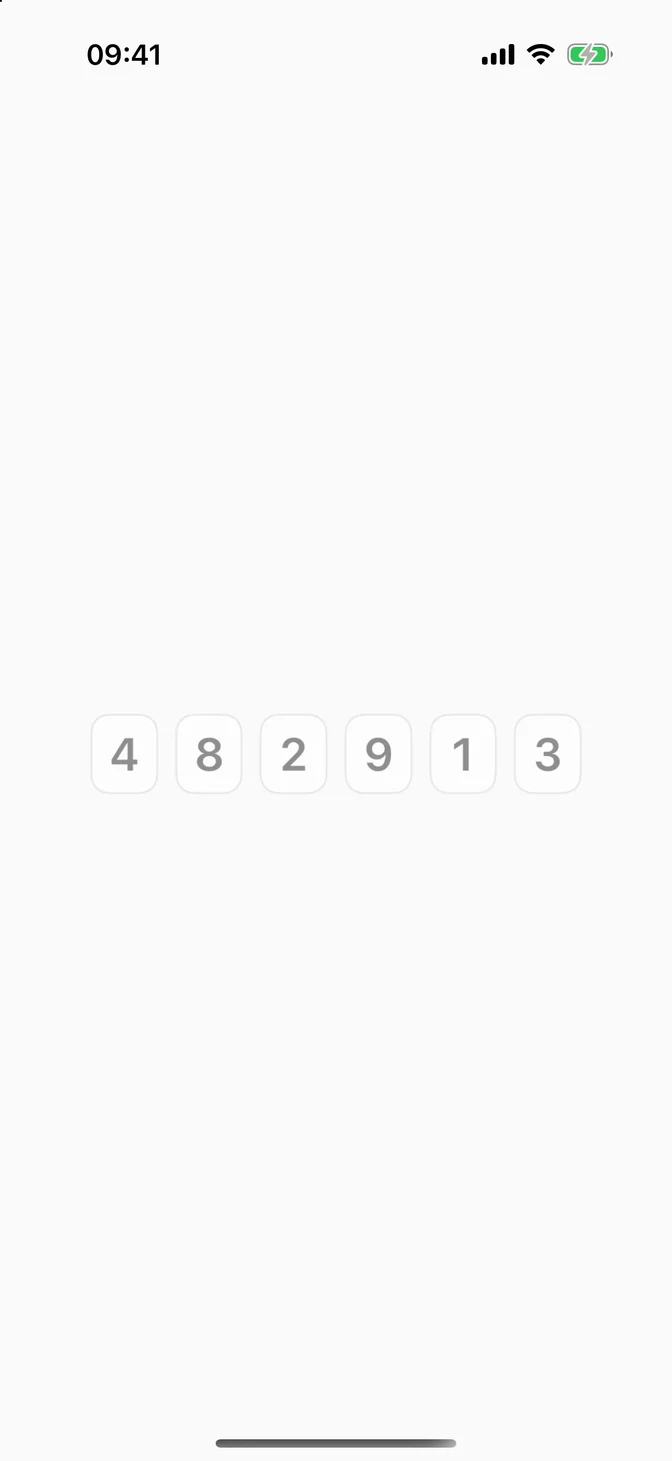
Disabled
Accessibility
- VoiceOver reads the field as a single element with the title as its label, spells the code one digit at a time, and says how many digits are entered, such as "4 of 6 digits entered."
- The title isn't shown on screen. Put a visible label or description next to the field, such as "Enter the code we sent to your email."
- The boxes grow with Dynamic Type until the row fills the available width, then stop.
- With Reduce Motion on, the cursor in the empty box stays still instead of blinking.
The title is a LocalizedStringResource, so a literal is translated and extracted to your String Catalog. The hint is translated when your String Catalog has the %lld of %lld digits entered. key:
Custom styling
FLXOneTimeCodeFieldStyle is an FLX protocol. Override it for a subtree via .flxOneTimeCodeFieldStyle(_:). A tap picks a box by its share of the field's width, so lay the boxes out evenly across the field.
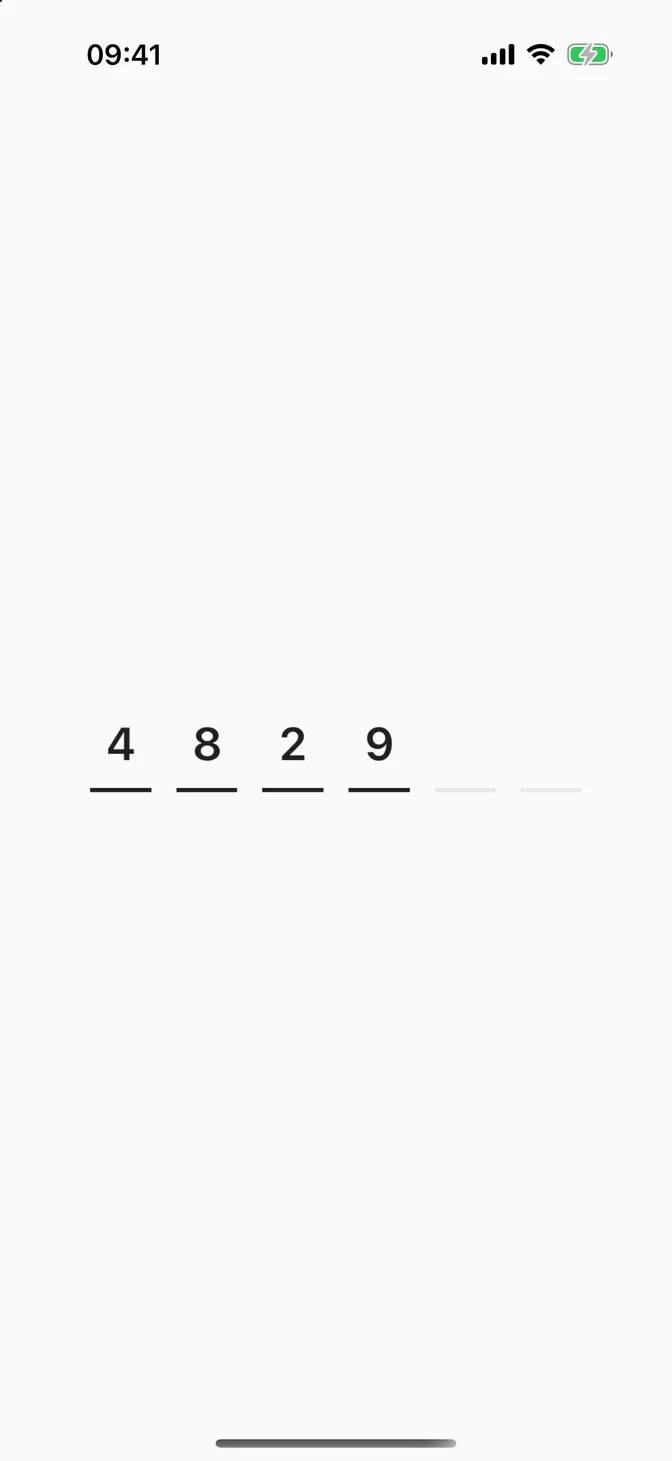
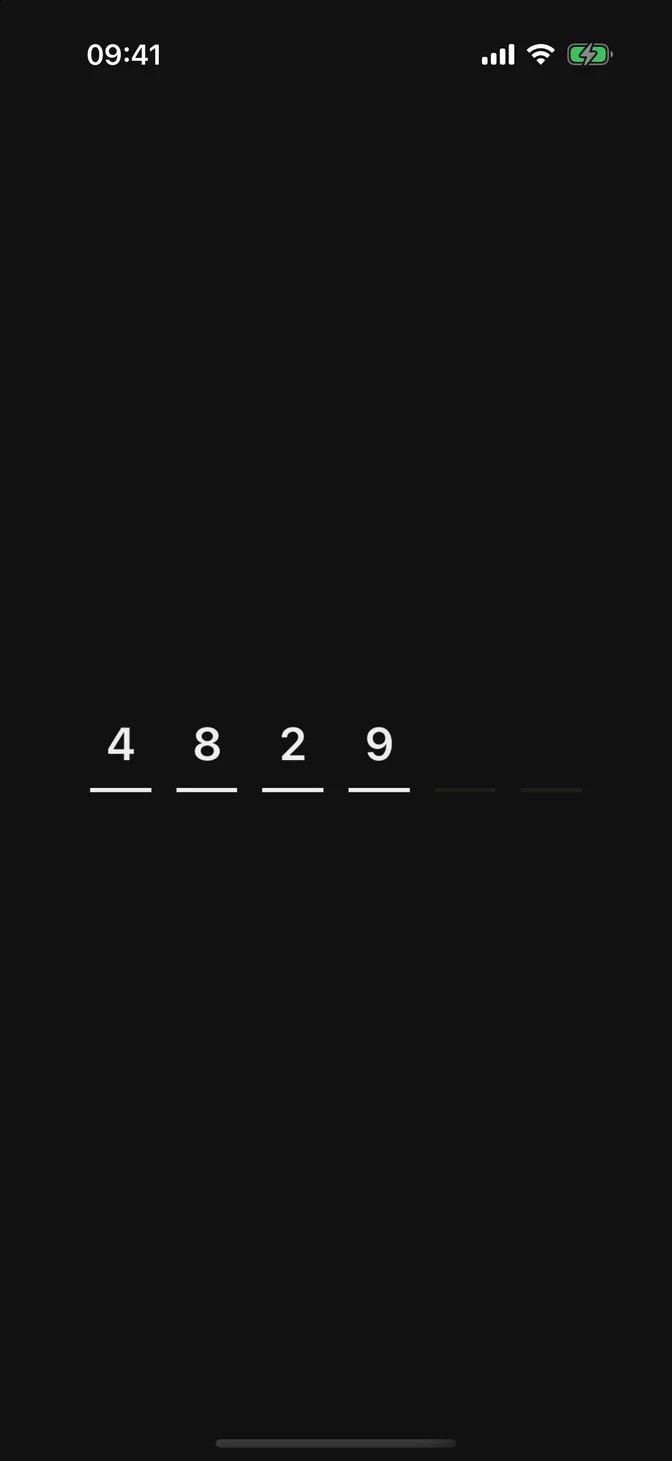
The style only draws. Typing, paste, AutoFill, and VoiceOver stay with the hidden text field, which the component places over whatever the style returns.
API Reference
FLXOneTimeCodeField
Also takes a StringProtocol title, used as is.