Text Field

macOS 13.3+

Displays a single-line text input.
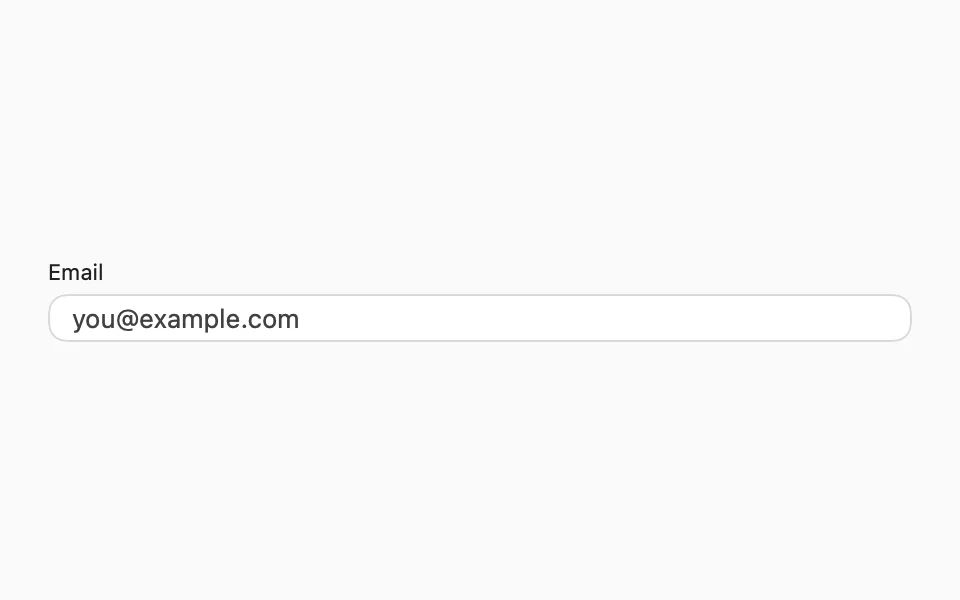
import SwiftUIstruct TextFieldUsageExample: View {    @State private var email = ""    var body: some View {        FLXFieldLabel("Email") {            FLXTextField("you@example.com", text: $email)        }        .padding(FLXSpacing.xl)    }}

Installation

Requires the design system foundation (tokens and theme).

pnpm dlx shadcn@latest add https://swiftui.flexnative.com/r/mac-text-field.json

Usage

FLXTextField("Email", text: $email)

On macOS, the border takes the theme's ring color while the field has focus, since the Mac doesn't draw its own focus ring around it.

Custom styling

TextFieldStyle doesn't support custom conformances, so there's no FLXTextFieldStyle or override.

API Reference

FLXTextField

init(    _ titleKey: LocalizedStringResource = "",    text: Binding<String>)init<S: StringProtocol>(    _ title: S,    text: Binding<String>)

For more information about FLXTextField props, see the Apple documentation.