Switches between related panes of content in a window with SwiftUI's native tab view.
Usage
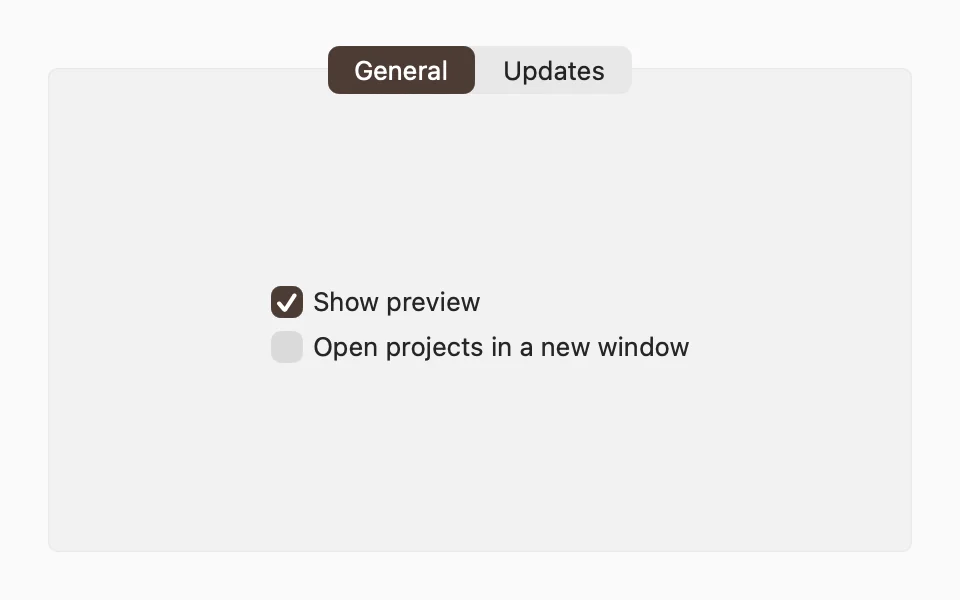
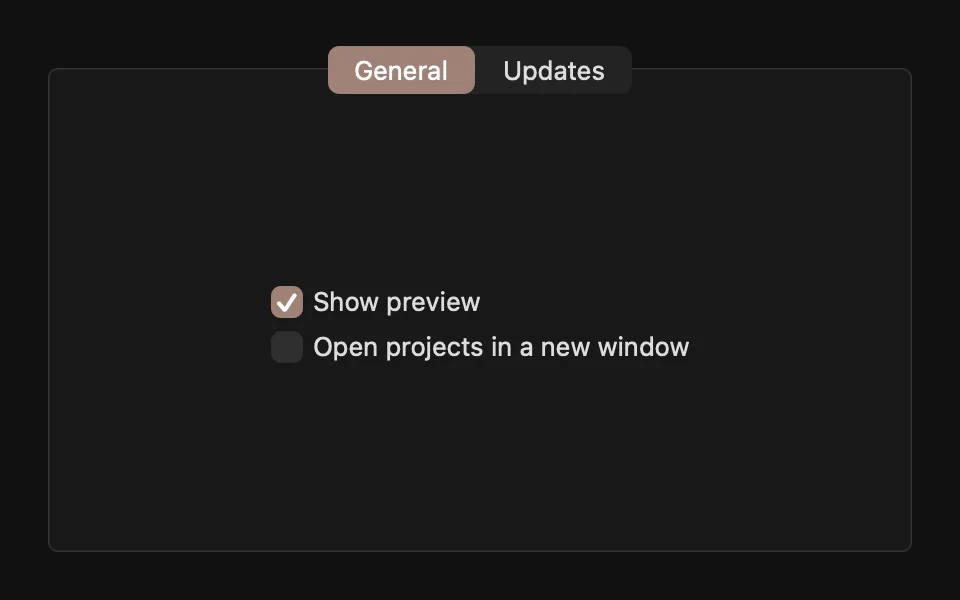
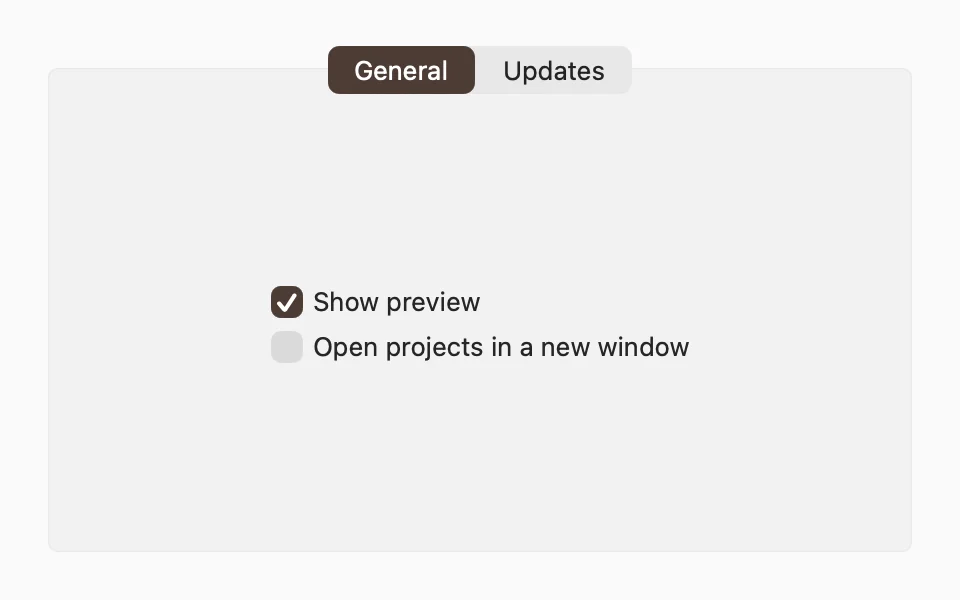
On macOS, a tab view groups related settings or details into panes, with the tabs on top. Mac apps use it in settings windows, inspectors, and dialogs, usually with a Form in each pane:
Keep the panes closely related, with up to six tabs, and keep the controls in each pane about that pane only. Leave a margin around the tab view, as in the example.
The main sections of a Mac app don't use a tab view. For those, use a sidebar with NavigationSplitView.
Examples
Settings window
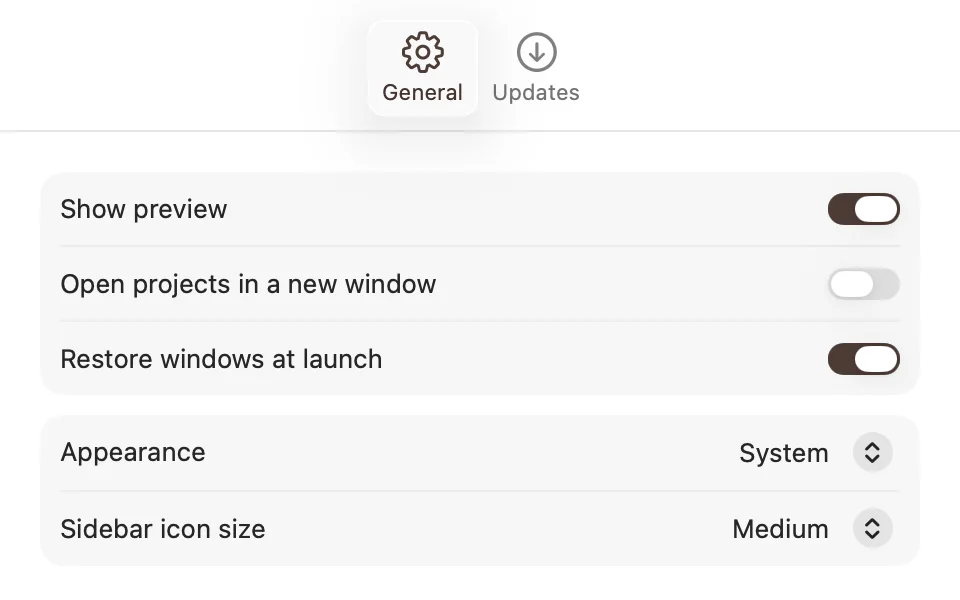
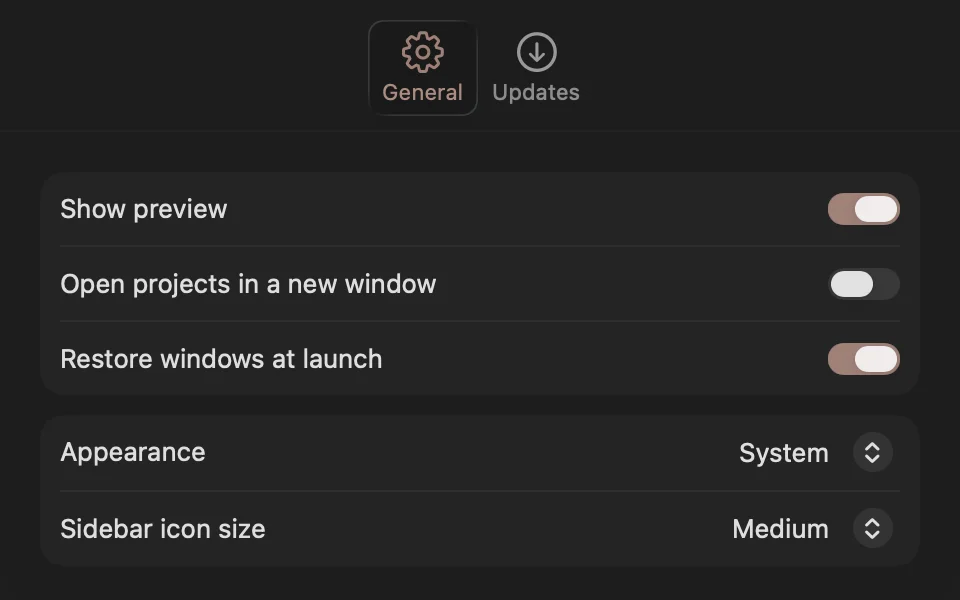
Put a TabView in your app's Settings scene. In the settings window, macOS shows the tabs in the toolbar, with their symbols and titles.
macOS 13 and 14
Tab needs macOS 15. On earlier versions, put .tabItem(_:) on each pane. It looks the same.
Color
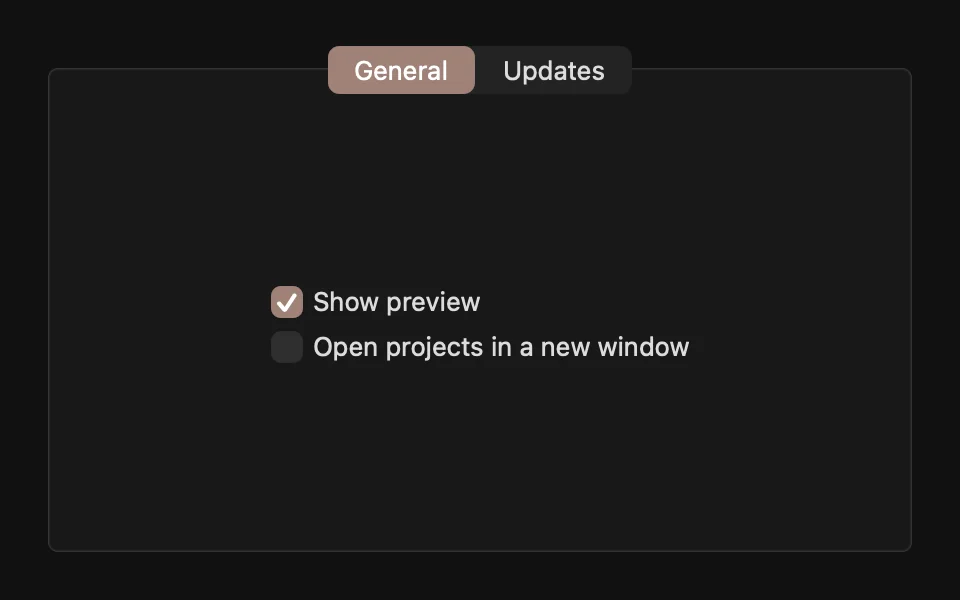
The selected tab uses the theme's tint, which .flxTheme(_:) applies at the root of your app.
For more information, see the Human Interface Guidelines for tab views and the Apple documentation.