Searches the content of a window with SwiftUI's native search field.
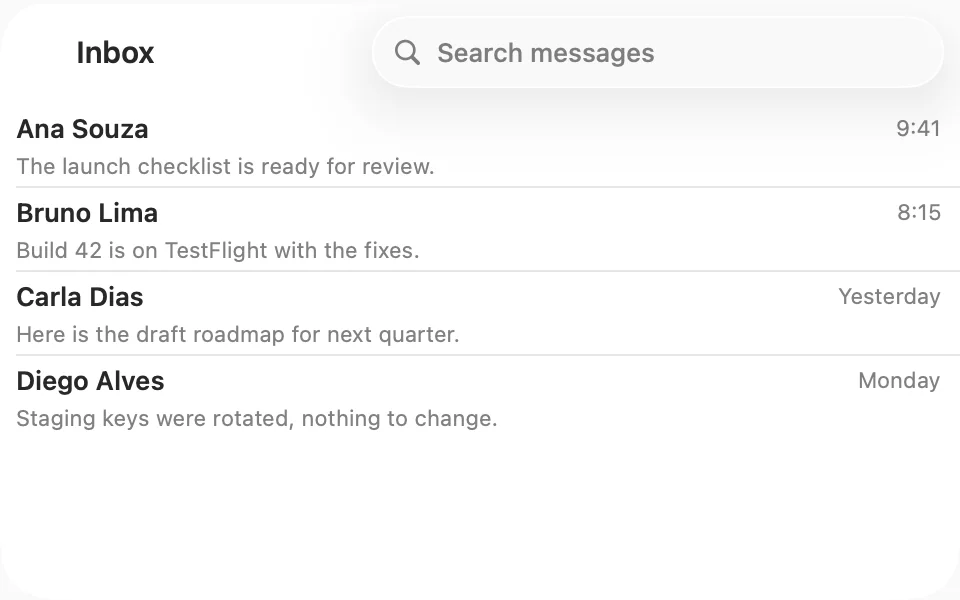
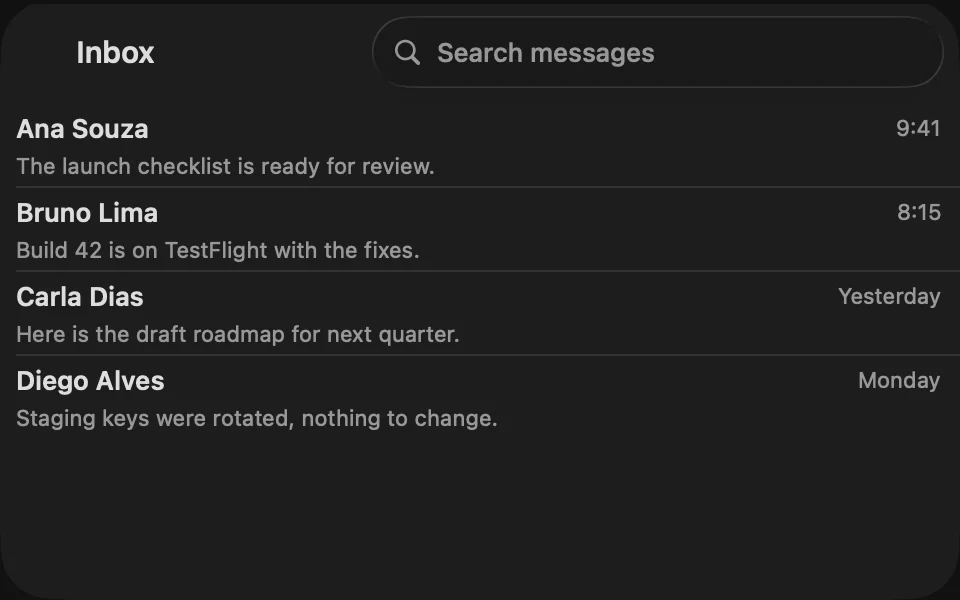
import SwiftUIstruct SearchUsageExample: View { struct Message: Identifiable { let id: String let sender: String let time: String var isUnread = false } private let messages = [ Message(id: "The launch checklist is ready for review.", sender: "Ana Souza", time: "9:41", isUnread: true), Message(id: "Build 42 is on TestFlight with the fixes.", sender: "Bruno Lima", time: "8:15", isUnread: true), Message(id: "Here is the draft roadmap for next quarter.", sender: "Carla Dias", time: "Yesterday"), Message(id: "Staging keys were rotated, nothing to change.", sender: "Diego Alves", time: "Monday") ] @State private var query = "" private var results: [Message] { guard !query.isEmpty else { return messages } return messages.filter { message in message.sender.localizedStandardContains(query) || message.id.localizedStandardContains(query) } } var body: some View { NavigationStack { List(results) { message in row(for: message) } .listStyle(.plain) .navigationTitle("Inbox") .searchable(text: $query, prompt: "Search messages") } } private func row(for message: Message) -> some View { VStack(alignment: .leading, spacing: FLXSpacing.xs) { HStack { Text(message.sender) .flxFont(.headline) Spacer() Text(message.time) .flxFont(.subheadline) .foregroundStyle(.secondary) } Text(message.id) .flxFont(.subheadline) .foregroundStyle(.secondary) } }}Usage
.searchable(text:prompt:) adds the system search field, with its placement, keyboard handling, and clear button, so use it directly and filter your content with the text:
@State private var query = ""NavigationStack { List(results) { message in MessageRow(message) } .navigationTitle("Inbox") .searchable(text: $query, prompt: "Search messages")}On macOS, the field sits at the trailing end of the window's toolbar. Filter the results as people type, and use the prompt to say what they can search for.
Examples
Suggestions
.searchSuggestions shows suggestions, such as recent searches, while the field is active. .searchCompletion(_:) fills the field when people pick one. On macOS they open in a menu below the field.
import SwiftUIstruct SearchSuggestionsExample: View { struct Message: Identifiable { let id: String let sender: String let time: String var isUnread = false } private let messages = [ Message(id: "The launch checklist is ready for review.", sender: "Ana Souza", time: "9:41", isUnread: true), Message(id: "Build 42 is on TestFlight with the fixes.", sender: "Bruno Lima", time: "8:15", isUnread: true), Message(id: "Here is the draft roadmap for next quarter.", sender: "Carla Dias", time: "Yesterday"), Message(id: "Staging keys were rotated, nothing to change.", sender: "Diego Alves", time: "Monday") ] @State private var query = "" private let recentSearches = ["Launch checklist", "Roadmap", "Ana Souza"] private var results: [Message] { guard !query.isEmpty else { return messages } return messages.filter { message in message.sender.localizedStandardContains(query) || message.id.localizedStandardContains(query) } } var body: some View { NavigationStack { List(results) { message in row(for: message) } .listStyle(.plain) .navigationTitle("Inbox") .searchable(text: $query, prompt: "Search messages") .searchSuggestions { if query.isEmpty { ForEach(recentSearches, id: \.self) { term in Label(term, systemImage: "clock") .searchCompletion(term) } } } } } private func row(for message: Message) -> some View { VStack(alignment: .leading, spacing: FLXSpacing.xs) { HStack { Text(message.sender) .flxFont(.headline) Spacer() Text(message.time) .flxFont(.subheadline) .foregroundStyle(.secondary) } Text(message.id) .flxFont(.subheadline) .foregroundStyle(.secondary) } }}Scopes
.searchScopes adds a scope bar to filter among clear categories. Start with the broadest scope, like All. macOS shows the scope bar below the toolbar while people search.
import SwiftUIstruct SearchScopesExample: View { struct Message: Identifiable { let id: String let sender: String let time: String var isUnread = false } private let messages = [ Message(id: "The launch checklist is ready for review.", sender: "Ana Souza", time: "9:41", isUnread: true), Message(id: "Build 42 is on TestFlight with the fixes.", sender: "Bruno Lima", time: "8:15", isUnread: true), Message(id: "Here is the draft roadmap for next quarter.", sender: "Carla Dias", time: "Yesterday"), Message(id: "Staging keys were rotated, nothing to change.", sender: "Diego Alves", time: "Monday") ] enum Scope: Hashable { case all case unread } @State private var query = "" @State private var scope = Scope.all private var results: [Message] { let scoped = messages.filter { message in scope == .all || message.isUnread } guard !query.isEmpty else { return scoped } return scoped.filter { message in message.sender.localizedStandardContains(query) || message.id.localizedStandardContains(query) } } var body: some View { NavigationStack { List(results) { message in row(for: message) } .listStyle(.plain) .navigationTitle("Inbox") .searchable(text: $query, prompt: "Search messages") .searchScopes($scope, activation: .onSearchPresentation) { Text("All").tag(Scope.all) Text("Unread").tag(Scope.unread) } } } private func row(for message: Message) -> some View { VStack(alignment: .leading, spacing: FLXSpacing.xs) { HStack { Text(message.sender) .flxFont(.headline) Spacer() Text(message.time) .flxFont(.subheadline) .foregroundStyle(.secondary) } Text(message.id) .flxFont(.subheadline) .foregroundStyle(.secondary) } }}No results
When nothing matches, show an Empty state over the list that says so.
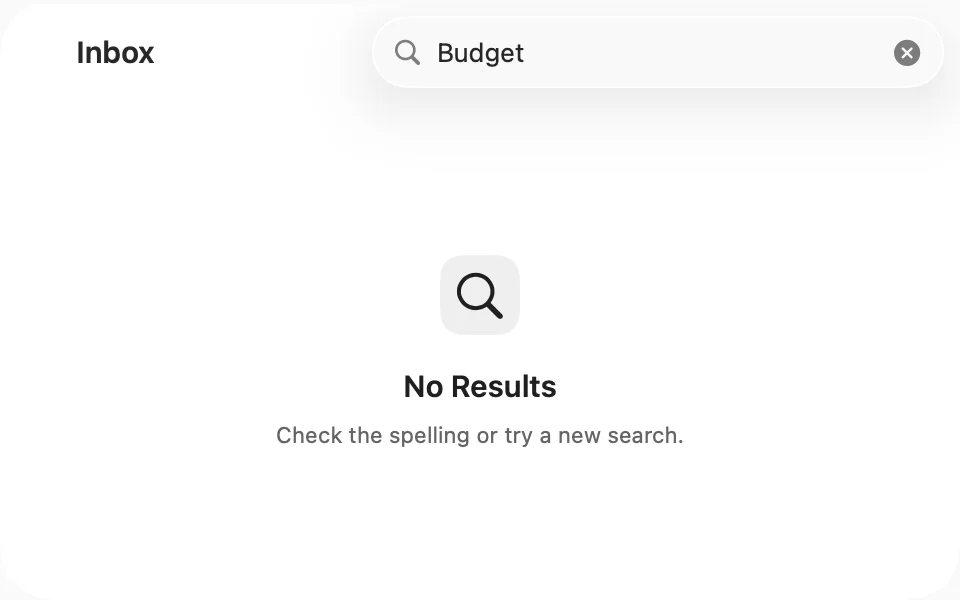
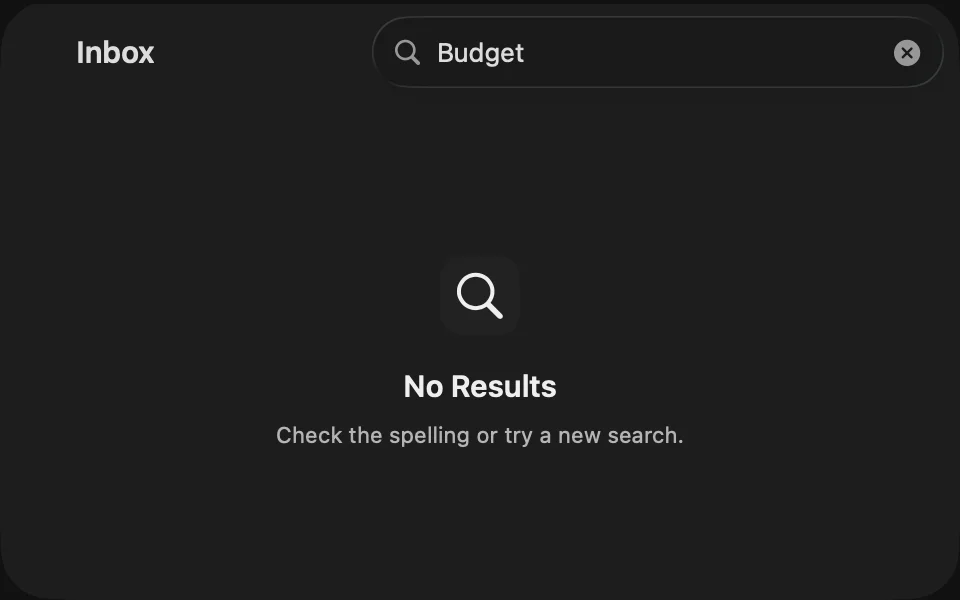
import SwiftUIstruct SearchEmptyExample: View { struct Message: Identifiable { let id: String let sender: String let time: String var isUnread = false } private let messages = [ Message(id: "The launch checklist is ready for review.", sender: "Ana Souza", time: "9:41", isUnread: true), Message(id: "Build 42 is on TestFlight with the fixes.", sender: "Bruno Lima", time: "8:15", isUnread: true), Message(id: "Here is the draft roadmap for next quarter.", sender: "Carla Dias", time: "Yesterday"), Message(id: "Staging keys were rotated, nothing to change.", sender: "Diego Alves", time: "Monday") ] @State private var query = "" private var results: [Message] { guard !query.isEmpty else { return messages } return messages.filter { message in message.sender.localizedStandardContains(query) || message.id.localizedStandardContains(query) } } var body: some View { NavigationStack { List(results) { message in row(for: message) } .listStyle(.plain) .overlay { if results.isEmpty { FLXEmpty { FLXEmptyHeader { FLXEmptyMedia(variant: .icon) { Image(systemName: "magnifyingglass") } FLXEmptyTitle("No Results") FLXEmptyDescription("Check the spelling or try a new search.") } } } } .navigationTitle("Inbox") .searchable(text: $query, prompt: "Search messages") } } private func row(for message: Message) -> some View { VStack(alignment: .leading, spacing: FLXSpacing.xs) { HStack { Text(message.sender) .flxFont(.headline) Spacer() Text(message.time) .flxFont(.subheadline) .foregroundStyle(.secondary) } Text(message.id) .flxFont(.subheadline) .foregroundStyle(.secondary) } }}Search inside content
To filter one pane of a window, rather than the whole window, put a Text Field Group with a search icon next to that content.
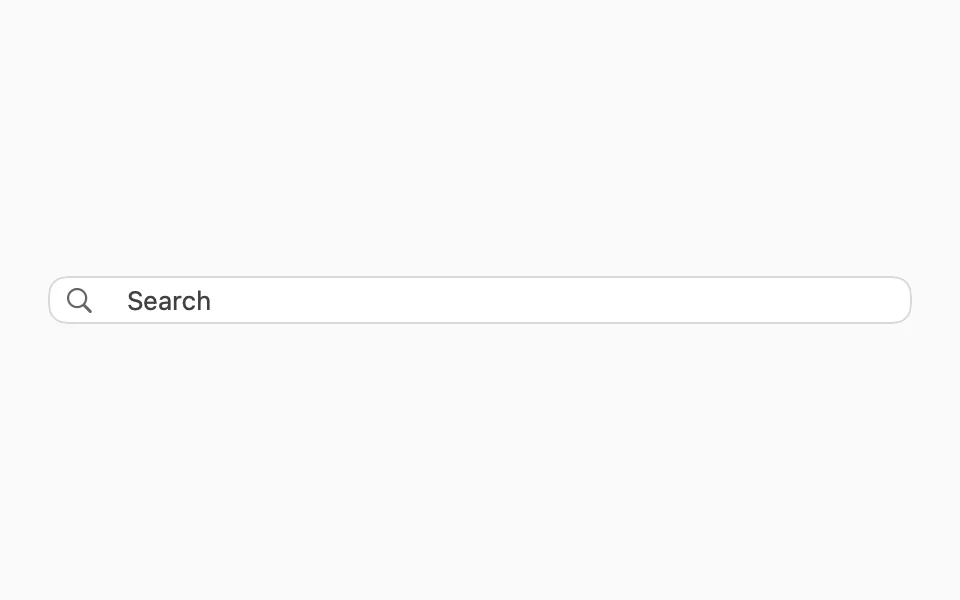

import SwiftUIstruct TextFieldGroupUsageExample: View { @State private var search = "" var body: some View { FLXTextFieldGroup("Search", text: $search) { FLXTextFieldGroupAddon { Image(systemName: "magnifyingglass") } } .padding(FLXSpacing.xl) }}Color
The field's focus ring and the selected scope follow the theme's tint, which .flxTheme(_:) applies at the root of your app.
For more information, see the Human Interface Guidelines for search fields and the Apple documentation.