Builds settings and data-entry screens with SwiftUI's native Form.
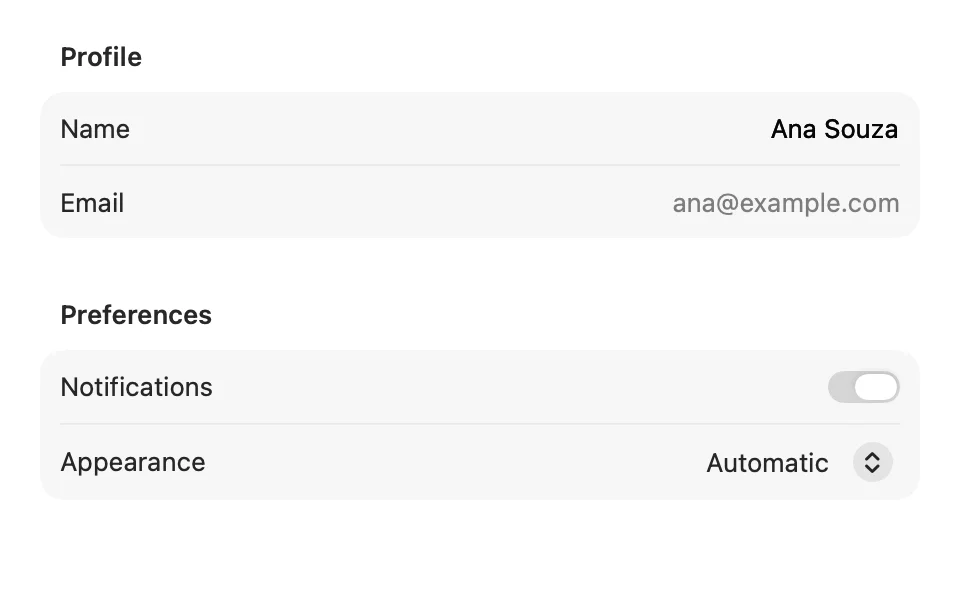
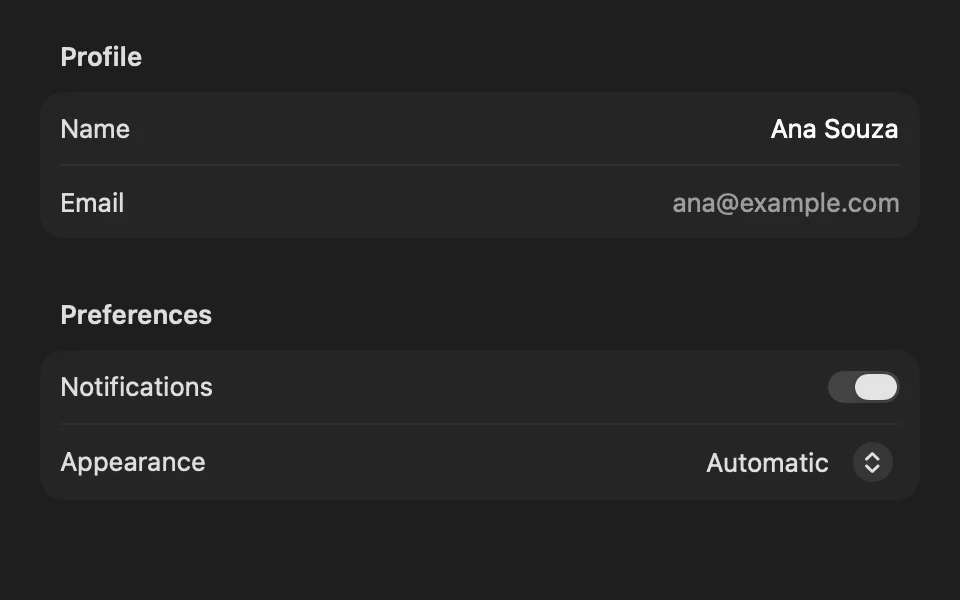
Usage
Inside a native Form, controls lay themselves out with their labels aligned. Use it directly.
Use a form for settings and data entry.
Examples
Columns
The default style on macOS. Labels sit trailing-aligned in one column and controls in the other, like classic preference windows.
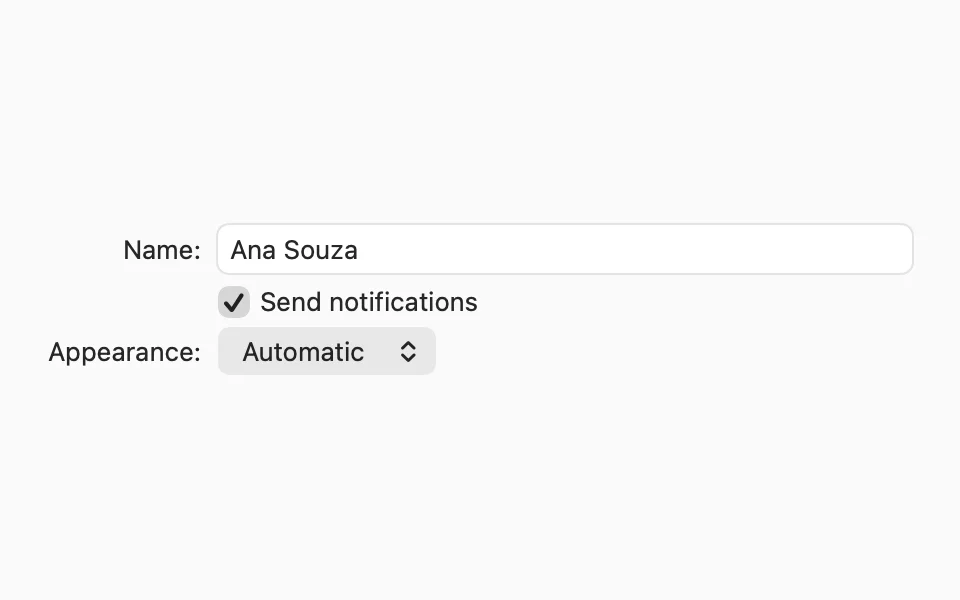
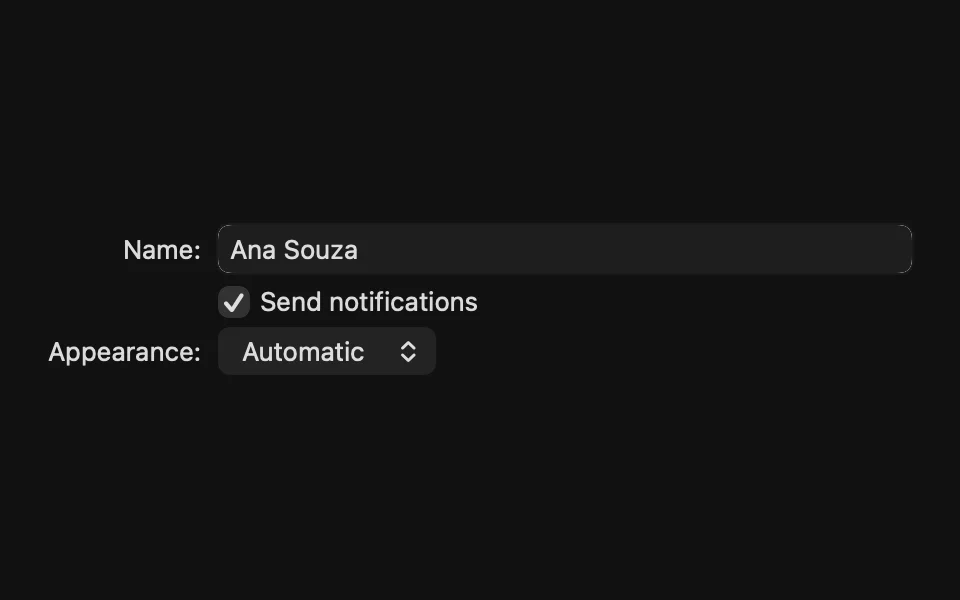
Controls
With .grouped, controls become rows in rounded sections, like System Settings.
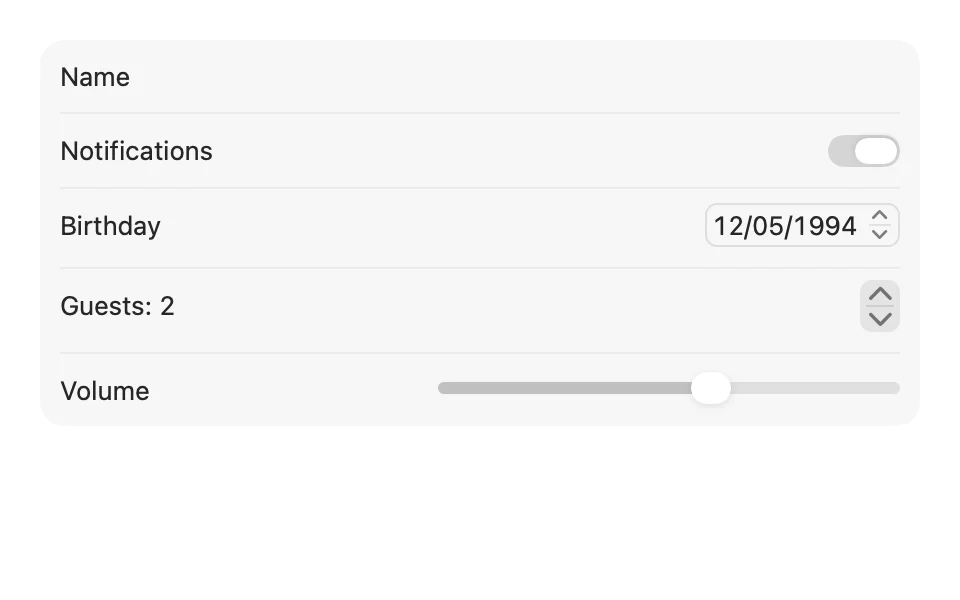
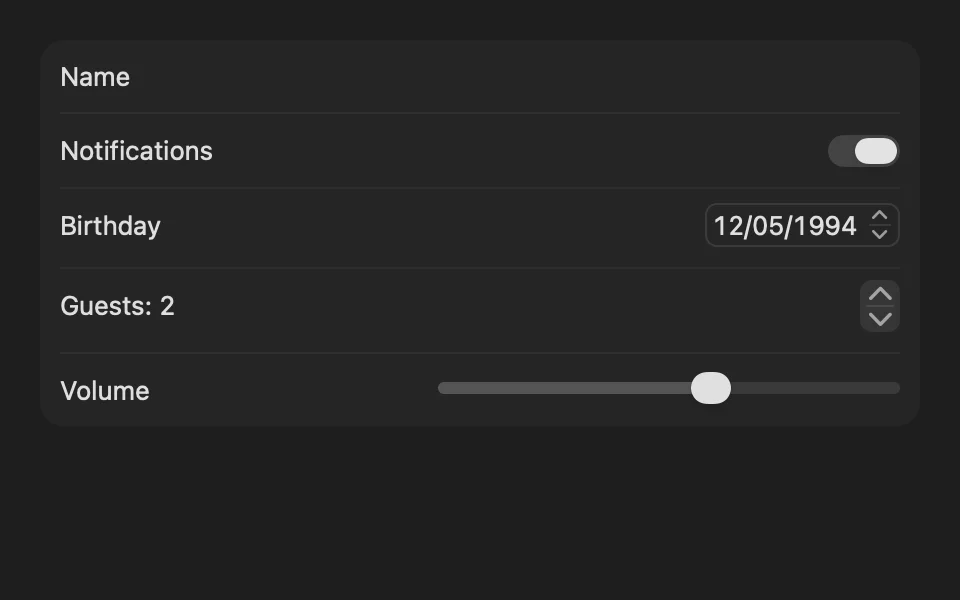
Pickers
A picker opens a pop-up menu by default. .radioGroup shows every option, and .segmented fits a few short options in one row.
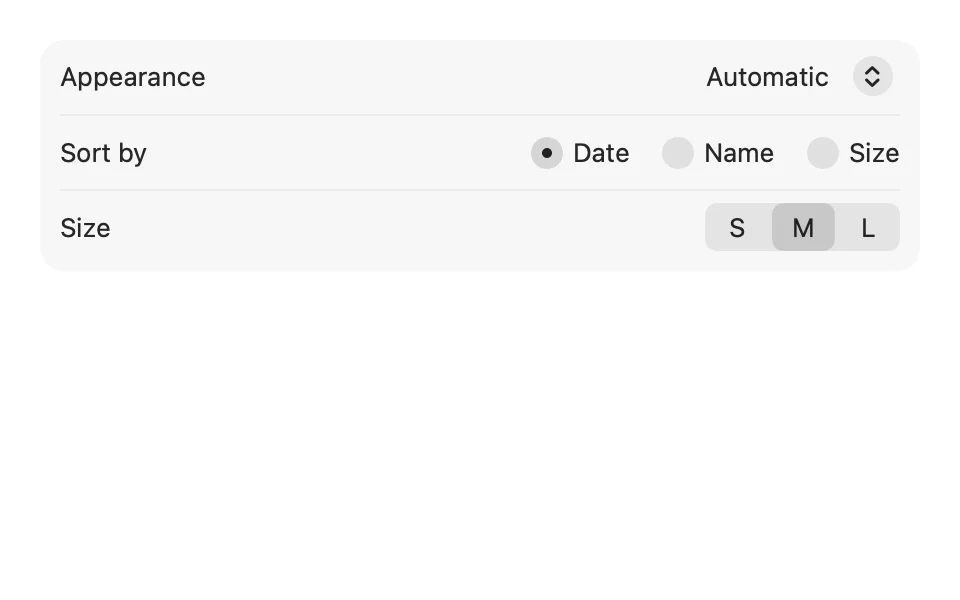
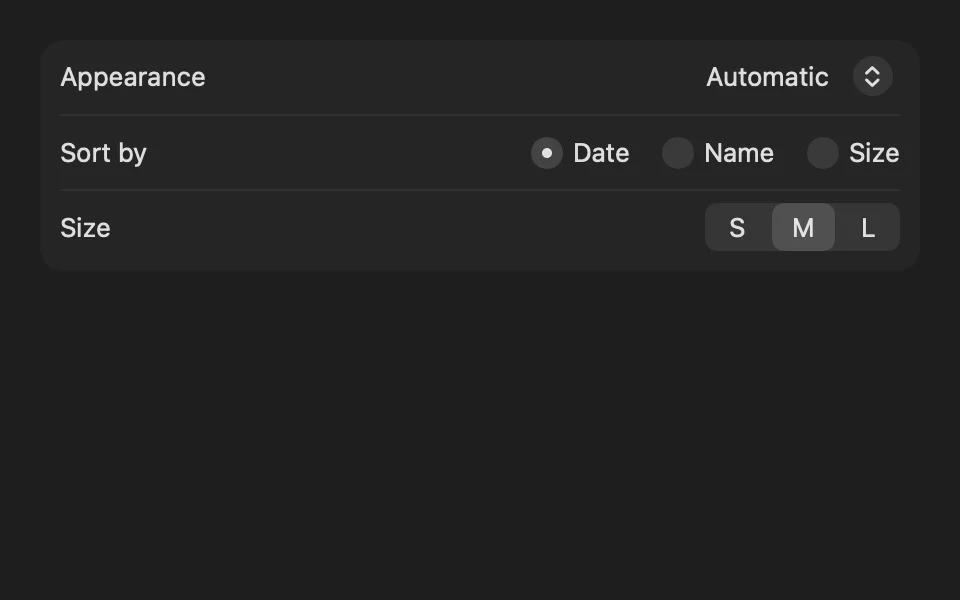
Form or Form Field
Inside a form, use native controls. FLX fields draw their own box and label, so inside a form they repeat what the form already draws.
Use Form Field and the other FLX fields in views outside a form.
Theming
Apply the theme at the root of your app. .flxTheme(_:) also sets the theme's tint, so switches, selection marks and row buttons follow the theme in light and dark mode:
To use theme surfaces in a grouped form, hide the system background and set the row background:
For more information about Form, see the Apple documentation.