Sheet

macOS 13.3+

Presents content in a sheet over the current view, driven by an item binding.
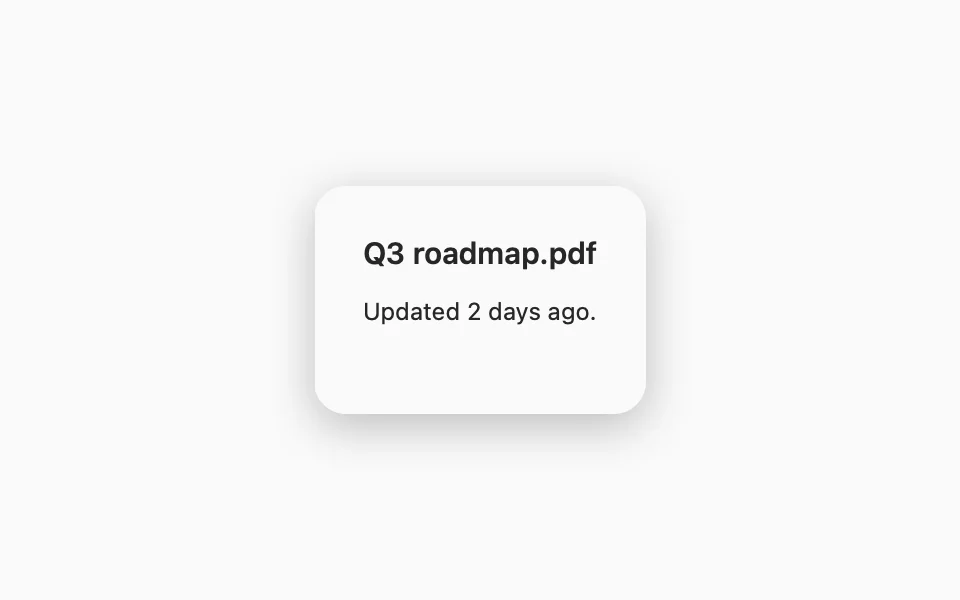
import SwiftUIstruct SheetUsageExample: View {    struct Document: Identifiable {        let id: String        var title: String { id }    }    @State private var selectedDocument: Document?    var body: some View {        FLXButton("Show details", variant: .primary) {            selectedDocument = Document(id: "Q3 roadmap.pdf")        }        .padding(FLXSpacing.xl)        .flxSheet(item: $selectedDocument) { document in            VStack(alignment: .leading, spacing: FLXSpacing.md) {                Text(document.title)                    .flxFont(.title3)                Text("Updated 2 days ago.")                    .flxFont(.callout)                Spacer()            }            .padding(FLXSpacing.xl)            .presentationDetents([.medium])        }    }}

Installation

Requires the design system foundation (tokens and theme).

pnpm dlx shadcn@latest add https://swiftui.flexnative.com/r/mac-sheet.json

Usage

FLXButton("Show details", variant: .primary) {    selectedDocument = Document(id: "Q3 roadmap.pdf")}.flxSheet(item: $selectedDocument) { document in    Text(document.title)        .padding()}

flxSheet is a View modifier, like .sheet. It's always controlled: item comes from the presenting screen.

Behavior

VoiceOver focus returns to the trigger when the sheet dismisses.

Size

On macOS, a sheet sizes itself to its content, like a native sheet on the Mac, and presentationDetents has no effect. Give the content a size with .frame(_:):
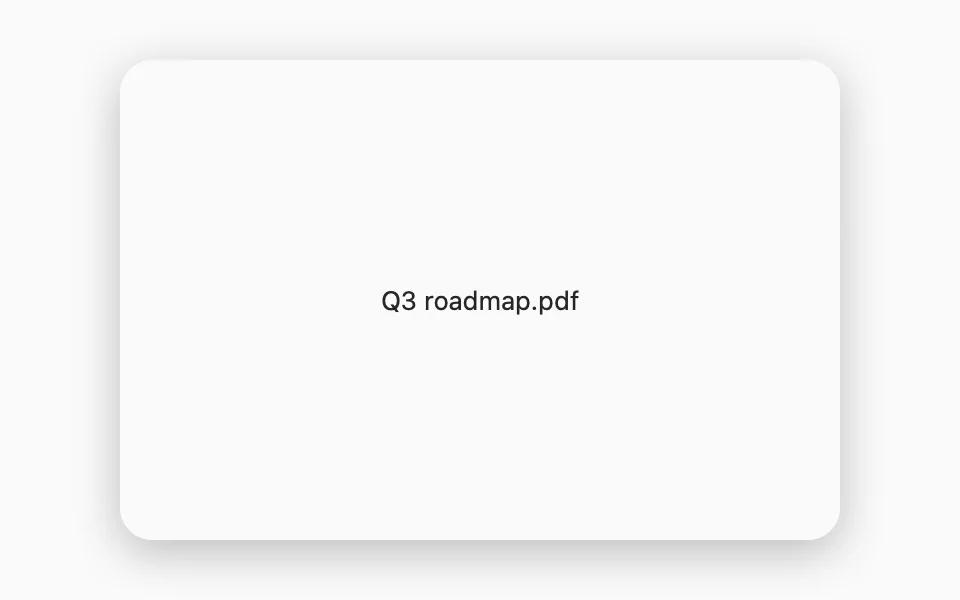

FLXButton("Show details", variant: .outline) {  selectedDocument = Document(id: "Q3 roadmap.pdf")}.flxSheet(item: $selectedDocument) { document in  Text(document.title)      .frame(minWidth: 360, minHeight: 240)}

Custom styling

.sheet has no style protocol, so there's no FLXSheetStyle or override.

API Reference

flxSheet

func flxSheet<Item: Identifiable, SheetContent: View>(    item: Binding<Item?>,    onDismiss: (() -> Void)? = nil,    @ViewBuilder content: @escaping (Item) -> SheetContent) -> some View

For more information about .sheet, see the Apple documentation.