macOS 13.3+
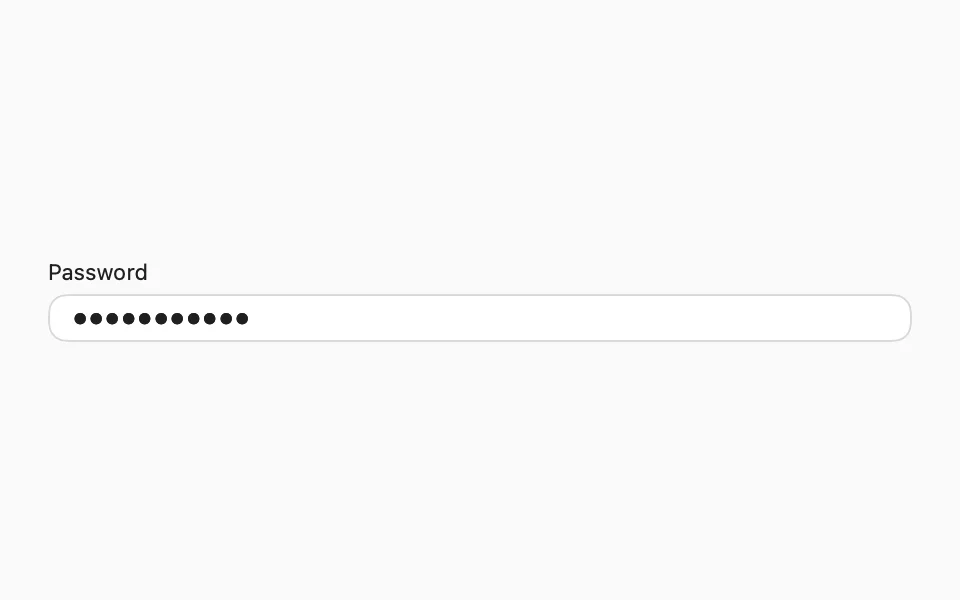
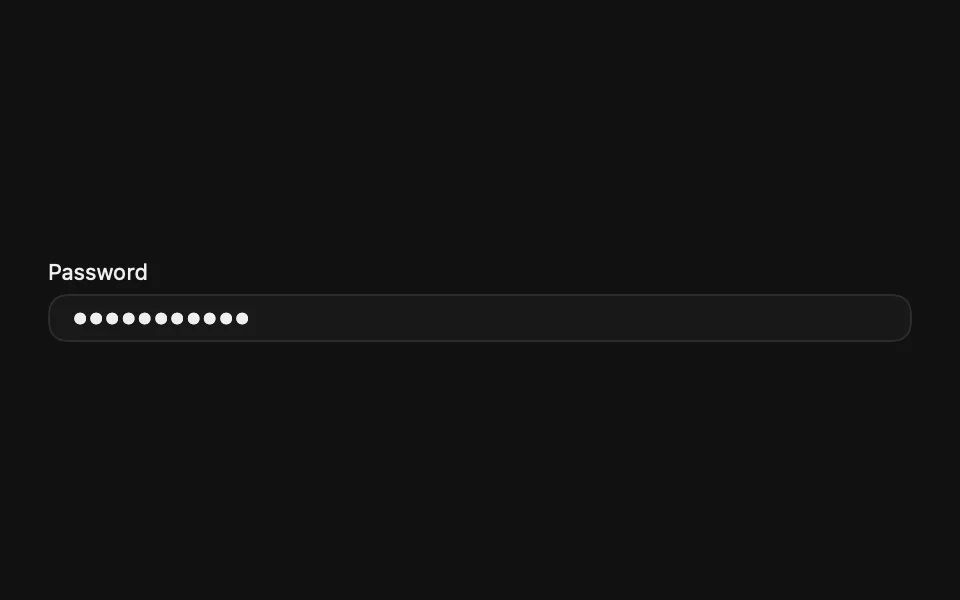
Displays an obscured text input for passwords and other sensitive text.
Installation
Requires the design system foundation (tokens and theme).
Usage
SecureField is a separate native control from TextField: it hides typed characters and blocks cut/copy.
On macOS, the border takes the theme's ring color while the field has focus, since the Mac doesn't draw its own focus ring around it.
Custom styling
TextFieldStyle doesn't support custom conformances, so there's no FLXSecureFieldStyle or override.
API Reference
FLXSecureField
For more information about FLXSecureField props, see the Apple documentation.